

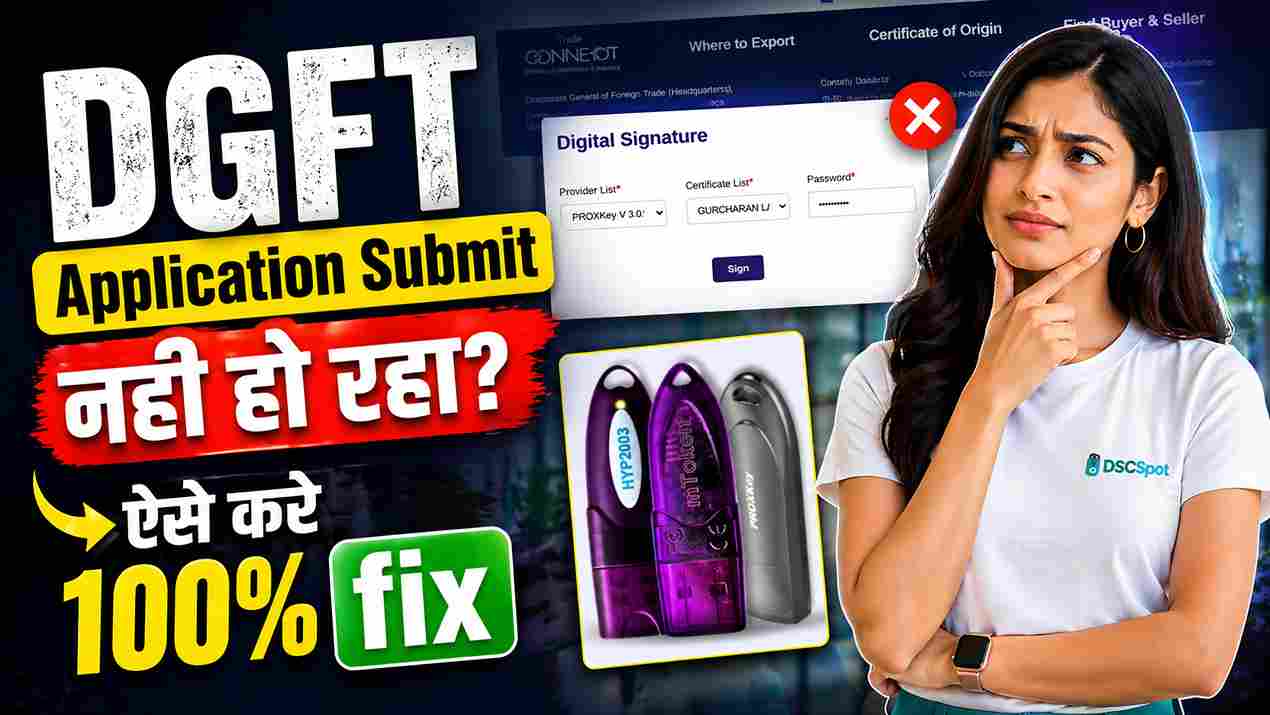
DGFT Digital Signature Error While Application Submission? Complete Fix Guide (2026)
Introduction
Are you facing issues while submitting your application on the DGFT portal using a Digital Signature Certificate (DSC)?
Many users report that:
- The DSC signs but the application does not submit
- The sign button does not respond
- No error message appears
- The certificate is not showing
- USB token is not detected

If you are facing any of these problems, you are not alone. This is a very common issue — and the good news is, it can be fixed within minutes if you follow the correct steps.
In this guide, we will show you the exact working solution to fix DGFT DSC errors step by step.
🎥 Watch: DGFT DSC Error Fix (Step-by-Step Video Guide)
If you want a quick visual solution, watch this complete video:
In this video, we explain:
- How to fix DGFT DSC errors
- How to register DSC properly
- How to solve submission issues
🔧 Common DGFT Digital Signature Problems
Here are the most common issues users face:
❌ DSC Not Working
Your USB token is connected, but nothing happens.
❌ Application Not Submitting
Even after signing, the application does not proceed.
❌ Sign Button Not Working
You click “Sign” but there is no response.
❌ Certificate Not Showing
Your DSC certificate does not appear in the list.
❌ USB Token Not Detected
DGFT portal is unable to detect your token.
⚠️ Why DGFT DSC Errors Happen
These errors usually occur due to:
- DSC not registered in DGFT dashboard
- Wrong certificate selection
- Expired Digital Signature
- USB token driver issues
- Browser compatibility problems
- Missing permissions
- Cache or session conflicts
✅ Step-by-Step Fix for DGFT DSC Error
Follow these steps carefully:
Step 1: Login to DGFT Portal
Open DGFT website and login to your account.
Step 2: Go to My Dashboard
After login, click on My Dashboard.
Step 3: Click “View and Register Digital Signature Token”
Find this option and open it.
Step 4: Click “Register New DSC”
This step is very important — it refreshes your DSC connection.
Step 5: Select USB Token Provider
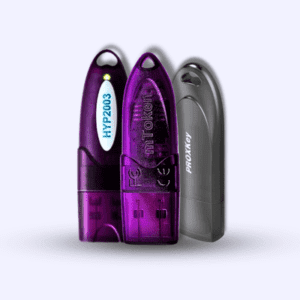
Choose your token provider (ePass, ProxKey, etc.)
Step 6: Select Certificate Name
Choose the correct certificate linked with your business.
Step 7: Enter Password & Click Sign
Enter your DSC password and click Sign.
👉 You should see: “Register Successfully”
Step 8: Retry Application Submission
Now go back and try submitting your application again.
👉 In most cases, the issue gets resolved instantly.
🧠 If Certificate is Not Showing
Try these quick fixes:
- Reinsert USB token
- Install/update token drivers
- Restart browser
- Use Chrome or Edge
- Run browser as administrator
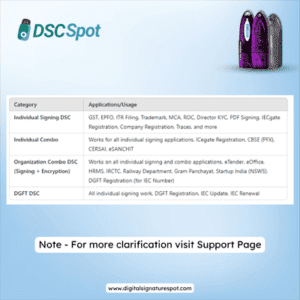
⚠️ Important: Choose the Right DSC
Using the wrong DSC type can also cause issues.
✔ Proprietorship
Use Class 3 Individual DSC
✔ Company / LLP / Partnership
Use Class 3 Organization DSC
💰 Cost of Digital Signature
Typical pricing:
- DSC: ₹1100 – ₹1500
- USB Token: ₹500 – ₹700
🚀 Need Digital Signature or Help?
If your DSC is not working or you want a new DSC without hassle, you can contact us:
📲 WhatsApp: https://wa.me/917579984381
✔ What You Get:
- Same market price
- No extra charges
- Free installation support
- Full technical support till DSC expiry
- No advance payment (Pay after approval)
📖 Read Full Detailed Guide
👉 https://digitalsignaturespot.com/dgft-digital-signature-error/
❓ FAQs
Q1. Why is DGFT not accepting my DSC?
Because it may not be registered properly or wrong certificate is selected.
Q2. Why does the sign button not work?
Usually due to browser or token permission issues.
Q3. Can expired DSC cause issues?
Yes, expired DSC will not work.
Q4. How long does it take to fix?
Usually 2–5 minutes if done correctly.
📢 Final Conclusion
DGFT Digital Signature errors are common but easy to fix.
Most users can solve the issue by simply:
- Re-registering DSC
- Selecting correct certificate
- Retrying submission
If you follow the steps in this guide, your issue should be resolved quickly.
🏷️ Keywords
dgft digital signature error, dgft dsc not working, dgft application not submitting, dgft sign button not working, dgft certificate not showing, dgft usb token issue, dgft dsc registration fix, digital signature for dgft
💡 EEAT Strength (Why This Blog Will Rank)
- ✔ Real problem + real solution
- ✔ Step-by-step practical guide
- ✔ Video + blog combination
- ✔ Clear CTA with support


About author











Add comment