

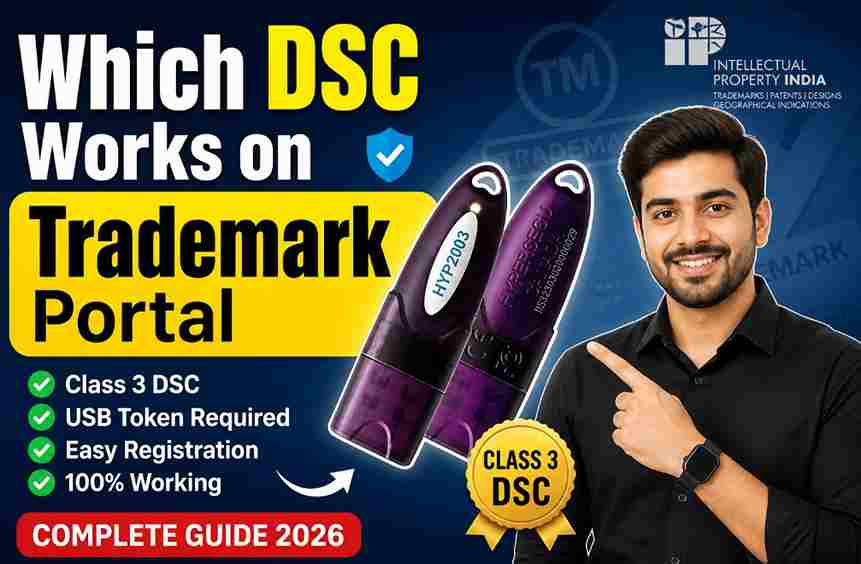
Which DSC Works on Trademark Portal? (2026 Guide) + How to Buy the Right DSC
If you are applying for a trademark in India, using the correct Digital Signature Certificate (DSC) is not just an option—it is a mandatory requirement for filing applications, filing objections, and submitting replies on the IP India Trademark Portal.
Using the wrong DSC or improperly installing it can lead to frustrating portal errors, session timeouts, and delayed filings. This updated 2026 guide clearly explains exactly which DSC works, what type you need to buy, and how to avoid the most common technical mistakes.
Which DSC is Required for the IP India Trademark Portal? Which DSC Works on Trademark Portal?
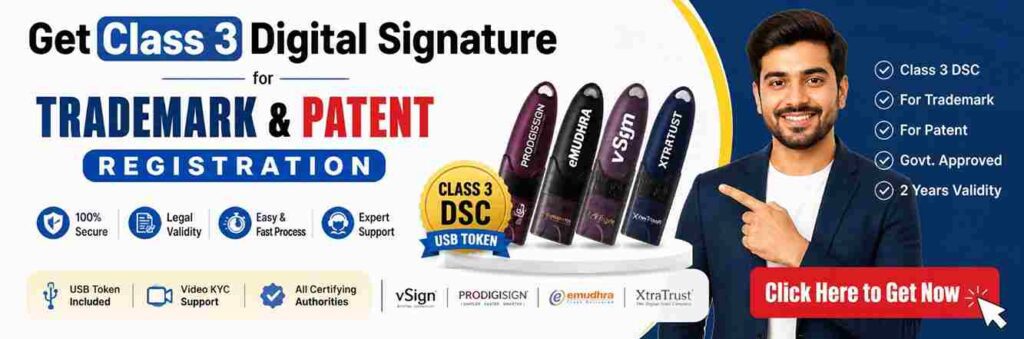
To successfully file, authenticate, or respond on the Trademark portal, you need a Class 3 Digital Signature Certificate (DSC).
Why Class 3?
Class 3 is currently the highest security level of digital signature available in India. The Controller General of Patents, Designs & Trademarks (CGPDTM) mandates it to ensure absolute data security and authenticity for government filings, similar to the requirements for DGFT, GST, and MCA portals.
⚠️ Important Update: Individual vs. Organizational DSC
One of the most common points of confusion is whether to buy an Individual or Organizational DSC.
👉 A Class 3 Individual DSC is sufficient for the Trademark Portal.
✔ Perfect for individual applicants.
✔ Perfect for sole proprietors.
✔ Works for the vast majority of trademark agents and attorneys.
❌ You DO NOT need an Organizational DSC in most standard cases. Organizational DSCs are generally only required for internal corporate authorization setups where the company name must explicitly appear in the signature.
Essential Technical Compatibility Rules
Having the right certificate is only half the battle. To work on the IP India portal, your DSC must meet these technical conditions:
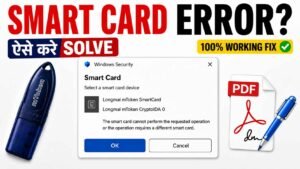
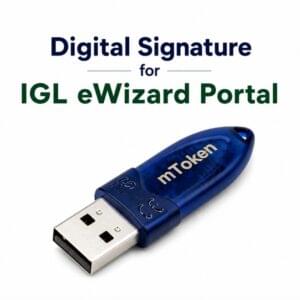
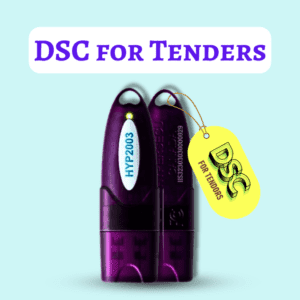
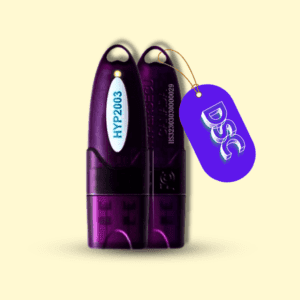
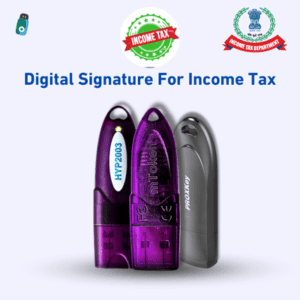
- Crypto USB Token: The DSC must be downloaded into an FIPS-certified secure USB Token (e.g., HYP2003, WatchData ProxKey, or mToken).
- Proper Driver Installation: The specific drivers for your USB token must be installed on your computer.
- Java Environment Configuration: The Trademark portal heavily relies on Java. You must configure your browser and Java security settings to allow the IP India portal to read the USB token.
- Portal Registration: Before signing any document, the DSC must be registered/mapped to your user ID on the Trademark portal.
Which DSC Providers (CAs) Work?
The IP India portal accepts certificates from all Certifying Authorities (CAs) licensed by the Controller of Certifying Authorities (CCA) in India. Popular options include:
- eMudhra
- VSign
- ProDigiSign
- XtraTrust
- Capricorn
Conclusion: You can purchase from any licensed CA. The brand matters much less than ensuring proper driver installation and correct portal configuration.
How to Buy a DSC for Trademark Registration (Step-by-Step)
Getting a DSC is now a fully paperless, online process. Here is how to get yours quickly:
🪪 Step 1: Choose the Right Category
Always select: Class 3 Individual DSC (Validity options are usually 1, 2, or 3 years; 2 years is the industry standard).
📄 Step 2: Keep Your Documents Ready
For the paperless e-KYC process, you will need:
- PAN Card
- Aadhaar Card
- Aadhaar-linked mobile number (for OTP)
- Email ID
- Passport-size photograph
🎥 Step 3: Complete Video Verification
Live Video KYC is a mandatory security step for all CAs.
- You will record a short 20-second video reading a specific statement shown on your screen.
- Approval usually takes 5 to 15 minutes during working hours.
🔐 Step 4: Receive Your DSC in a USB Token
Once approved, the certificate is downloaded into a secure USB Crypto Token and shipped to you.
- Note: If you already have a blank, valid USB token, you can simply renew or download the new certificate into it.
💻 Step 5: Install & Register on the Portal
- Plug the USB token into your computer.
- Install the token drivers.
- Log into the IP India Trademark Portal and map the DSC under your profile settings.
⚠️ Common Mistakes to Avoid (That Cause Filing Delays)
- ❌ Buying a Class 2 DSC: Class 2 DSCs were discontinued by the CCA and are no longer valid for any new government portal filings.
- ❌ Buying a “PFX” file without a USB token: Government portals require hardware-based token authentication. A simple file on your desktop will not work.
- ❌ Missing Java Configurations: Failing to add the IP India website to your Java Exception Site List will result in signature errors.
- ❌ Forgetting to map the DSC: You cannot sign a trademark application if the DSC hasn’t been registered to your portal login ID first.
💰 DSC Price for Trademark Filing (2026 Estimate)
| Item / Service | Estimated Price Range |
| Class 3 DSC (2 Years) | ₹899 – ₹1,500 |
| FIPS USB Token | ₹400 – ₹700 |
| Technical Support / Setup | ₹150 – ₹300 |
💡 Pro Tip: Choosing the absolute cheapest DSC provider often means zero after-sales support. If you face a Java error or browser configuration issue during a crucial filing deadline, having a provider who offers technical setup support is invaluable.
❓ Frequently Asked Questions (FAQs)
1. Can I use my existing GST or MCA DSC for the Trademark Portal?
Yes. If you already possess a valid Class 3 DSC used for GST, Income Tax, or MCA filings, you can use the exact same DSC for the Trademark portal. You just need to register it on the IP India website.
2. Does the Trademark Portal DSC work on a Mac (Apple)?
While USB tokens can work on macOS, the IP India portal’s digital signature utility is heavily optimized for Windows operating systems and Internet Explorer/Edge in IE mode. It is highly recommended to use a Windows PC for trademark filings to avoid compatibility issues.
3. What happens if I lose my USB Token?
If you lose your physical USB token, the digital signature is lost with it. You cannot download a backup copy. You will have to purchase a new DSC and undergo the KYC process again.
4. How long does it take to get a new DSC?
If your documents are ready and you complete the Video KYC immediately, the DSC can be approved and downloaded within 15 to 30 minutes. Shipping the physical USB token takes an additional 2–4 days depending on your location.
📞 Apply for Your Trademark DSC (Fast & Error-Free Setup)
If you want a quick, hassle-free DSC setup without worrying about technical portal errors, our team provides complete end-to-end assistance.
👉 Get Your Digital Signature for the Trademark Portal Today:
✔ Class 3 Individual DSC (Highest Security)
✔ Premium USB Token Included
✔ Fast Video KYC Support
✔ Full Installation & Portal Registration Help
📲 WhatsApp / Call: 7579984381
✉️ Email: digitalsignaturespot@gmail.com
Choose the correct DSC today to ensure smooth, error-free filings and faster trademark approvals!
✍️ About the Author
Author: Smarth
Smarth is the founder of Digital Signature Spot and a recognized technical expert in the digital signature and cryptography industry with over 10+ years of hands-on experience. Specializing in Class 3 DSC implementations, PKI technology, and technical troubleshooting for complex government portals (including IP India, MCA, GST, and e-Tendering), Smarth is dedicated to simplifying digital compliance and providing seamless technical support for professionals and businesses across India.

About author













Add comment