

Get Digital Signature for Patent Registration in India – Complete Guide (2026)
Digital Signature for Patent Registration in India
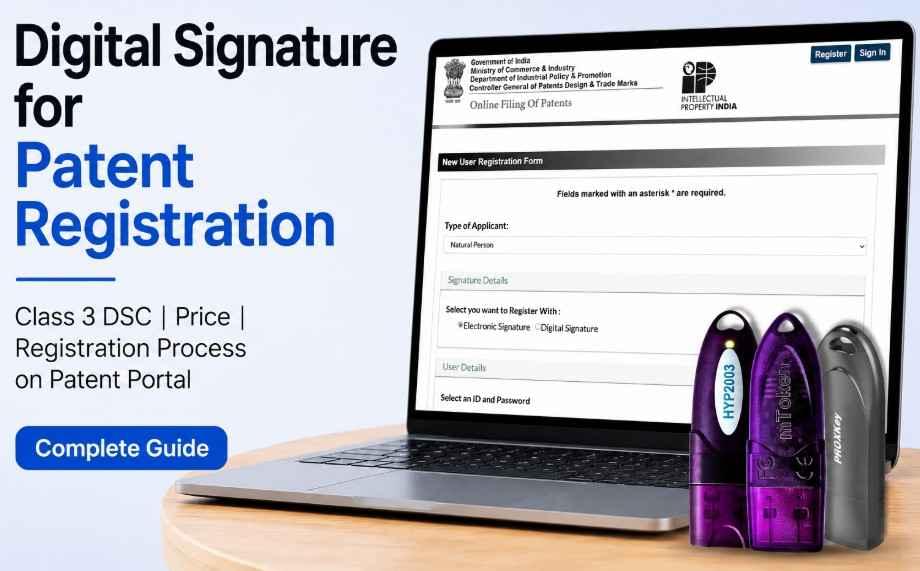
Digital Signature for Patent Registration in India: If you want to file a patent application online in India, you need a valid Digital Signature Certificate (DSC) for secure authentication on the patent portal. The Indian Patent Office allows online filing through its e-filing system, and applicants can use a Digital Signature Certificate or e-sign for authentication. The official filing guidance specifically mentions the use of Class II/III digital signature without encryption for patent filing.
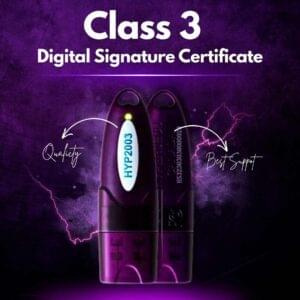
Today, most professionals, patent agents, startups, inventors, and companies use a Class 3 Signing DSC for patent registration because it provides secure online authentication and smooth document signing.
At Digital Signature Spot, we help individuals and organizations get their DSC quickly with simple documentation, PAN India support, and discounted pricing.
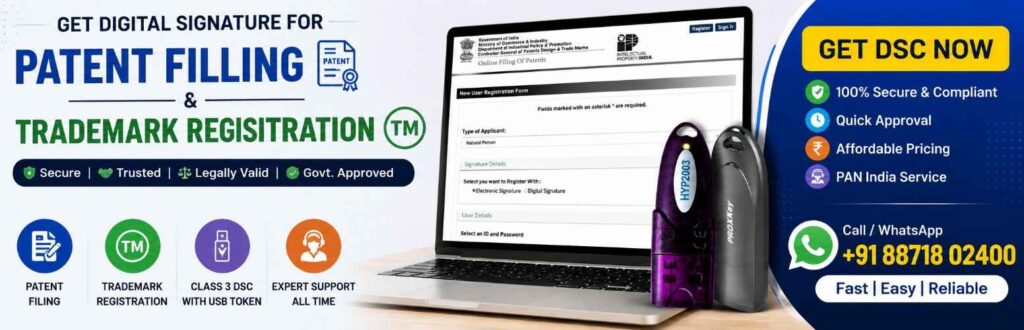
What is a Digital Signature for Patent Registration?
A Digital Signature Certificate is an electronic signature used for securely signing patent applications and related documents on the Indian Patent e-filing portal.
It helps verify the identity of the applicant or patent agent and ensures that documents submitted online are authentic and tamper-proof.
The Indian Patent Office supports online filing for:
- Patent Registration
- Patent Application Filing
- Patent Amendment
- Patent Reply Submission
- Patent Agent Filing
- Startup Patent Filing
- Trademark & IP Related Filings
The official Patent Office documentation explains that digital signatures are used for secure electronic filing and authentication.
Does Class 3 DSC Work for Patent Registration?
Yes, absolutely.
A Class 3 Signing DSC works for patent registration and online patent filing in India.
The patent portal officially supports Class II/III DSC without encryption, and currently most users prefer Class 3 DSC because it is more secure and widely accepted across government portals.
Recommended DSC Type for Patent Filing
For Individual Applicants
- Class 3 Individual Signing DSC
For Companies / Organizations
- Class 3 Organization Signing DSC
For Patent Agents / Professionals
- Class 3 Professional DSC
Class 3 DSC Price for Patent Registration
At Digital Signature Spot, you can get Class 3 DSC for patent filing at discounted pricing.
| DSC Validity | Price (Including GST) |
|---|---|
| Class 3 DSC 1 Year | ₹1,035.00 |
| Class 3 DSC 2 Year | ₹1,123.00 |
| Class 3 DSC 3 Year | ₹1,652.00 |
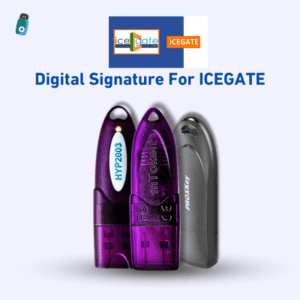
USB Token Price
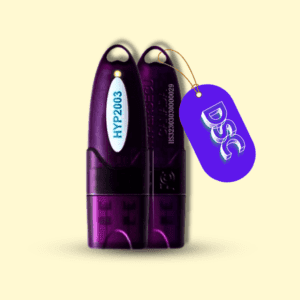
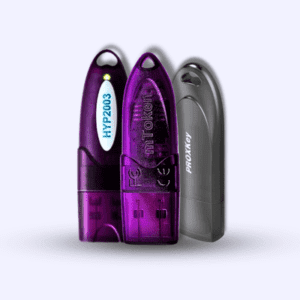
A USB token is generally required to store your DSC securely.
USB Token Cost
- Approx ₹500
The USB token helps protect your certificate and is commonly used for patent filing, eTender, MCA, GST, DGFT, ICEGATE, and other government portals.
Get Discounted DSC Price from Digital Signature Spot
If you purchase your DSC from Digital Signature Spot, we ensure:
- Discounted DSC pricing
- Fast approval process
- PAN India support
- Assistance in DSC installation
- Patent portal registration support
- USB token setup support
- WhatsApp assistance
This helps applicants avoid technical errors during patent filing.
Why is DSC Required for Patent Registration?
The Indian Patent e-filing system uses DSC for secure authentication.
Without a valid DSC, you may face issues while:
- Logging into the portal
- Signing patent forms
- Uploading applications
- Submitting replies
- Filing amendments
The official patent e-filing system supports secure online filing through digital authentication.
Benefits of Using Class 3 DSC for Patent Filing
1. Secure Online Filing
Your documents remain secure and legally authenticated.
2. Faster Patent Submission
No need for physical paperwork submission.
3. Legally Valid Signature
DSC signatures are legally accepted for government filing.
4. Easy Document Authentication
You can sign patent forms digitally within minutes.
5. Multi-Purpose Use
The same DSC can often be used for:
- eTender portals
- MCA filing
- GST filing
- ICEGATE
- DGFT
- Income Tax
- Trademark filing
Documents Required for Patent DSC
For Individual DSC
- PAN Card
- Aadhaar Card
- Mobile Number
- Email ID
- Passport Size Photo
For Organization DSC
- PAN Card
- Aadhaar Card
- Organization PAN
- GST Certificate / Incorporation Certificate
- Authorization Letter
- Email ID & Mobile Number
How to Apply for DSC for Patent Registration
Step 1 – Choose DSC Type
Select Individual or Organization DSC depending on your filing type.
Step 2 – Submit Documents
Provide PAN, Aadhaar, email, and mobile number.
Step 3 – Video Verification
Complete video verification for identity authentication.
Step 4 – DSC Approval
Your DSC gets approved by the certifying authority.
Step 5 – Install DSC in USB Token
The certificate is installed securely in the token.
Step 6 – Register DSC on Patent Portal
Use your DSC for online patent filing.
How to Register DSC on Patent Portal
After receiving your DSC, follow these steps:
Step 1
Visit the official Patent e-filing portal.
Step 2
Insert your USB token into your system.
Step 3
Install token drivers and DSC utility.
Step 4
Login or create your patent portal account.
Step 5
Select DSC registration option.
Step 6
Choose your certificate from the token.
Step 7
Complete verification and save settings.
Once completed, your DSC will be linked with your patent filing account.
The Patent Office also provides DSC setup guidance and browser compatibility instructions.
Common Errors While Using DSC on Patent Portal
DSC Not Detected
Usually caused by:
- Missing token driver
- Browser issue
- Utility not installed
Invalid Certificate Error
Occurs when:
- Wrong DSC type is used
- Expired DSC
- Encryption certificate selected
Signing Failure
May happen due to:
- Java utility issue
- Browser permissions
- Outdated drivers
At Digital Signature Spot, we also help customers resolve these issues.
Which DSC is Best for Patent Filing?
For most users:
Best Option:
✅ Class 3 Signing DSC
Because it:
- Works on patent portals
- Offers strong security
- Supports multiple government portals
- Is widely accepted
Why Buy DSC from Digital Signature Spot?
We Provide:
- Affordable pricing
- Genuine DSC certificates
- Fast processing
- WhatsApp support
- Patent filing guidance
- USB token assistance
- Remote setup support
Whether you are:
- Patent Agent
- Startup Founder
- CA/CS Professional
- Business Owner
- Individual Inventor
We help you get your DSC quickly and easily.
Frequently Asked Questions (FAQ)
Is Class 3 DSC mandatory for patent registration?
The patent portal supports Class II/III DSC without encryption. However, Class 3 DSC is now commonly preferred for secure filing.
Can I use the same DSC for GST and patent filing?
Yes, in many cases the same Class 3 DSC can be used across multiple government portals.
Is USB token compulsory?
In most cases, yes. The DSC is securely stored inside the USB token.
What is the USB token price?
USB token price is generally around ₹500.
How much time does DSC approval take?
Usually a few hours to 1 working day depending on verification.
Can you help with DSC installation?
Yes, Digital Signature Spot provides installation and setup support.
Final Conclusion
If you want to file patents online smoothly, getting the correct DSC is extremely important. A Class 3 Signing DSC is one of the best options for patent registration because it offers secure authentication and works on the Indian Patent e-filing system.
With Digital Signature Spot, you can get:
- Discounted DSC pricing
- Fast approval
- USB token support
- Patent portal setup assistance
- PAN India service
If you are planning patent filing, startup registration, or professional IP filing, choosing the right DSC can save time and avoid technical errors during submission.


About author







Add comment