

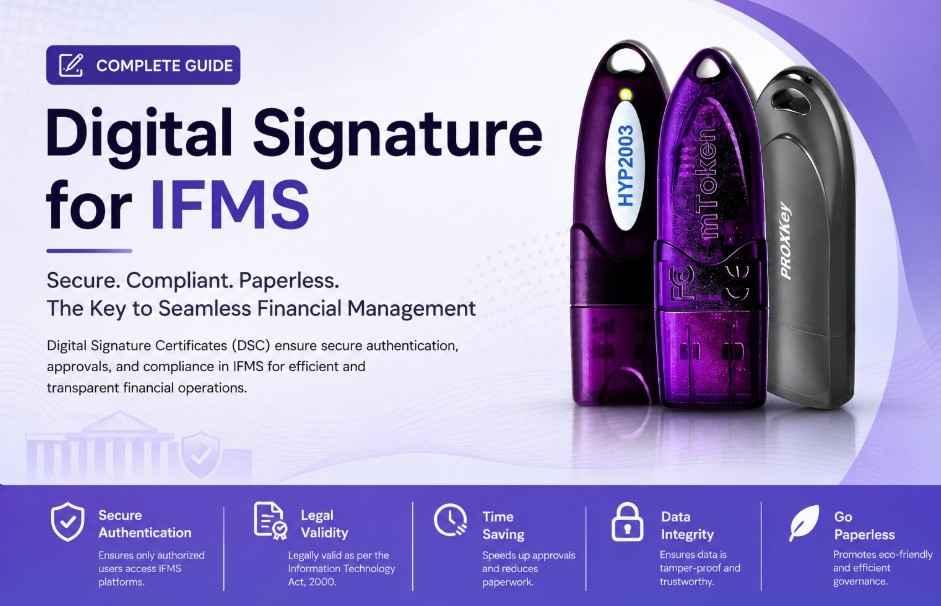
Digital Signature for IFMS – Complete Guide for Registration, Usage & DSC Purchase 2026
Get Digital Signature for IFMS Portal – Fast & Secure DSC Solution
Digital Signature for IFMS : If you are working with the IFMS portal for government-related financial transactions, approvals, bill processing, treasury work, or departmental operations, then having a valid Digital Signature Certificate (DSC) is extremely important. Many IFMS portals across different states require authorized officers, DDOs, contractors, employees, and departments to use Class 3 Digital Signature Certificates for secure login, bill approvals, e-tendering, and document authentication.
At Digital Signature Spot, we provide quick and hassle-free Digital Signature solutions for IFMS portals with genuine USB tokens, fast approval, expert support, and PAN India service.
What is IFMS?
entity[“organization”,”Integrated Financial Management System”,”Government Financial Management Platform”] (IFMS) stands for Integrated Financial Management System. It is an online government financial management platform used by various state governments and departments for:
- Salary processing
- Treasury operations
- Bill generation
- Budget management
- E-payments
- Pension management
- Fund tracking
- Employee services
- Financial approvals
- Online departmental workflows
Most IFMS portals require a Digital Signature Certificate to ensure secure and legally valid transactions.
Why is Digital Signature Required for IFMS?
A Digital Signature Certificate helps verify the identity of the authorized user and ensures that all transactions are secure, encrypted, and legally valid.
Government IFMS portals use DSC authentication for:
- Secure login authentication
- Approval of financial bills
- Treasury submissions
- E-signing documents
- Vendor and contractor verification
- Online file approvals
- Preventing unauthorized access
- Audit compliance and security
Without a valid DSC, many IFMS functions may not work properly.
Which Type of DSC is Required for IFMS?
For most IFMS portals, users generally require:
Class 3 DSC
Class 3 Digital Signature Certificates provide the highest level of security and are commonly accepted for:
- Government portals
- Treasury systems
- Finance department portals
- Tender portals
- Departmental approvals
- Online signing
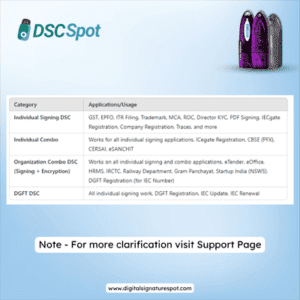
Signing DSC
A Signing DSC is used for:
- Signing bills
- File approvals
- Authentication
- Online document submission
Combo DSC (Signing + Encryption)
Some IFMS systems may require Combo DSC for:
- Secure encrypted communication
- High-security workflows
- Sensitive financial data access
If you are unsure which DSC is required for your IFMS portal, our support team can help you choose the correct certificate.
Who Needs Digital Signature for IFMS?
Digital Signature for IFMS may be required by:
- Government employees
- Treasury officers
- DDO officers
- Department heads
- Finance officers
- Account officers
- Contractors
- Vendors
- Educational institutions
- Government departments
- Pension authorities
- Municipal bodies
- Public sector organizations
Benefits of Using DSC on IFMS Portal
1. Secure Authentication
Digital signatures protect your account from unauthorized access.
2. Faster Processing
Bills, approvals, and files can be processed online quickly.
3. Legal Validity
Digital signatures are legally recognized under the Information Technology Act.
4. Paperless Workflow
No need for physical signatures and manual approvals.
5. Better Transparency
Every transaction is securely tracked and verified.
6. Time Saving
Government workflows become faster and more efficient.
Documents Required for IFMS DSC Registration
Generally, the following documents are required:
For Individual DSC
- PAN Card
- Aadhaar Card
- Mobile Number linked with Aadhaar
- Email ID
- Passport-size photo (if required)
For Organization DSC
- PAN Card of applicant
- Aadhaar Card
- Organization ID proof
- Authorization letter
- GST Certificate (if applicable)
- Department proof
Document requirements may vary depending on the Certifying Authority.
Supported USB Tokens for IFMS DSC
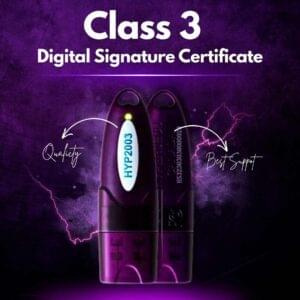
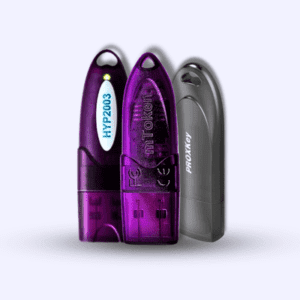
We provide genuine FIPS-compliant USB tokens compatible with IFMS portals:
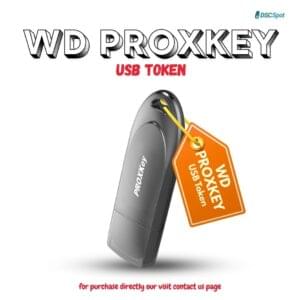
- WD ProxKey
- HYP2003
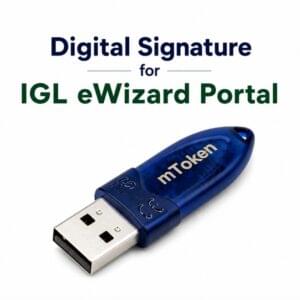
- MToken
- TrustKey
These tokens are secure, government-approved, and compatible with most DSC software.
How to Use Digital Signature on IFMS Portal
Follow these basic steps:
Step 1 – Insert USB Token
Connect your DSC token to your computer.
Step 2 – Install Token Drivers
Install the required USB token drivers.
Step 3 – Install DSC Utility
Download and install the IFMS DSC signer utility if required.
Step 4 – Register DSC
Login to the IFMS portal and register your DSC.
Step 5 – Start Using DSC
You can now sign bills, approvals, and documents securely.
Common Errors in IFMS DSC & Solutions
DSC Not Detected
- Reinstall token drivers
- Restart browser
- Try another USB port
Signer Utility Not Working
- Install latest signer utility
- Run utility as administrator
- Check Java compatibility
Certificate Not Showing
- Ensure token is connected properly
- Check whether DSC is expired
- Update browser settings
Java or Browser Error
- Use supported browser
- Install compatible Java version
- Clear browser cache
Our support team helps customers resolve all DSC-related IFMS issues remotely.
Why Choose Digital Signature Spot?
At Digital Signature Spot, we provide trusted and affordable DSC solutions for government portals including IFMS.
Our Advantages
- Fast DSC approval
- Genuine USB tokens
- PAN India support
- Remote installation assistance
- Affordable pricing
- Expert technical support
- Support for government portals
- Renewal assistance
- Bulk DSC solutions available
Digital Signature Validity Options
You can choose:
- 1 Year DSC
- 2 Year DSC
- 3 Year DSC
Longer validity reduces renewal hassle and is preferred for regular IFMS users.
DSC Renewal for IFMS Portal
If your DSC is expired or about to expire, timely renewal is important.
Expired DSC may cause:
- Login issues
- Bill signing failure
- Authentication errors
- Approval delays
We provide fast DSC renewal support with minimal downtime.
Is Digital Signature Mandatory for IFMS?
Many IFMS portals require DSC for secure financial transactions and approvals. The requirement may differ according to the department or state government policies.
For most treasury, finance, and approval-related activities, DSC is commonly mandatory.
Tips for Smooth IFMS DSC Usage
- Always use genuine USB tokens
- Keep token password secure
- Renew DSC before expiry
- Install latest drivers
- Use updated browser versions
- Avoid sharing DSC credentials
- Keep Java and signer utility updated
Frequently Asked Questions (FAQs)
Which DSC is required for IFMS?
Most IFMS portals require Class 3 Signing DSC or Combo DSC.
Can I use the same DSC for other government portals?
Yes, in many cases the same DSC can also be used for portals like GST, MCA, ICEGATE, DGFT, EPFO, and tender portals.
How much time does DSC approval take?
Usually DSC approval can be completed within a few hours after successful verification.
Do I need a USB token for IFMS DSC?
Yes, Digital Signature Certificates are generally stored in secure USB tokens.
Can you help with DSC installation?
Yes, we provide remote support for installation, registration, and troubleshooting.
Buy Digital Signature for IFMS Portal
If you are looking for a reliable Digital Signature Certificate for IFMS portal usage, Digital Signature Spot provides complete DSC solutions with installation support and fast delivery.
We Offer
- Class 3 DSC
- Combo DSC
- USB Tokens
- DSC Renewal
- Remote Installation Support
- Bulk DSC Solutions
- Government Portal Support
Contact for IFMS Digital Signature
Digital Signature Spot
📞 WhatsApp / Call: 7579984381
🌐 Fast DSC Support Across India
💻 Remote Setup Assistance Available
Get your IFMS Digital Signature quickly with complete technical support.
Final Words
Digital Signature Certificates have become an essential requirement for secure and efficient operation on IFMS portals. Whether you are a government employee, DDO officer, contractor, or finance department user, having the correct DSC ensures smooth workflow, secure approvals, and hassle-free online transactions.
Choosing a trusted DSC provider helps avoid installation issues, compatibility problems, and delays in government portal operations.
If you need assistance with IFMS DSC registration, renewal, token setup, or technical support, Digital Signature Spot is ready to help you with fast and professional service.


About author




Add comment