

Get Class 3 Digital Signature Certificate for Uttarakhand Tender Portal — Complete Guide
Get Class 3 Digital Signature Certificate for Uttarakhand Tender Portal — Complete Guide: If you plan to participate in Uttarakhand government tenders, a valid Digital Signature Certificate (DSC) is mandatory for eTender registration and online bid submission. This guide covers everything contractors, suppliers, MSMEs, consultants, and infrastructure companies need to know about obtaining and using a Class 3 DSC for the Uttarakhand eTender portal.
What is a Digital Signature Certificate (DSC)?
A Digital Signature Certificate (DSC) is a secure electronic credential issued by licensed Certifying Authorities in India. DSCs authenticate identity, enable encrypted communication, and legally sign documents online under the Information Technology Act, 2000. For eProcurement and tendering, DSCs are used to:
- Securely log in to the Uttarakhand eTender portal
- Digitally sign technical and financial bids
- Encrypt and submit tender documents
- Verify bidder identity during procurement
Using DSCs improves transparency and security across government procurement and eTendering processes.
Why a DSC is Required for Class 3 Digital Signature Certificate for Uttarakhand Tender Portal
The Uttarakhand eProcurement system mandates a Class 3 DSC for all online tender activities. A DSC is required for:
- Vendor registration on the Uttarakhand Tender Portal
- Uploading and signing BOQ and tender documents
- Submitting technical and financial bids
- Authenticating online transactions and eProcurement workflows
Without a valid Class 3 B DSC and USB crypto token, you cannot complete online tender submission or participate in state tenders.
Which DSC Type Is Needed
Class 3 B Digital Signature Certificate is the recommended certificate for government tenders and eProcurement. It is specifically designed for:
- eTendering and online bid submission
- Government contract signing
- High-security authentication for procurement portals
Class 3 DSCs provide strong encryption and are accepted across major portals including Uttarakhand eTender, GeM, CPPP, and other state and central procurement systems.
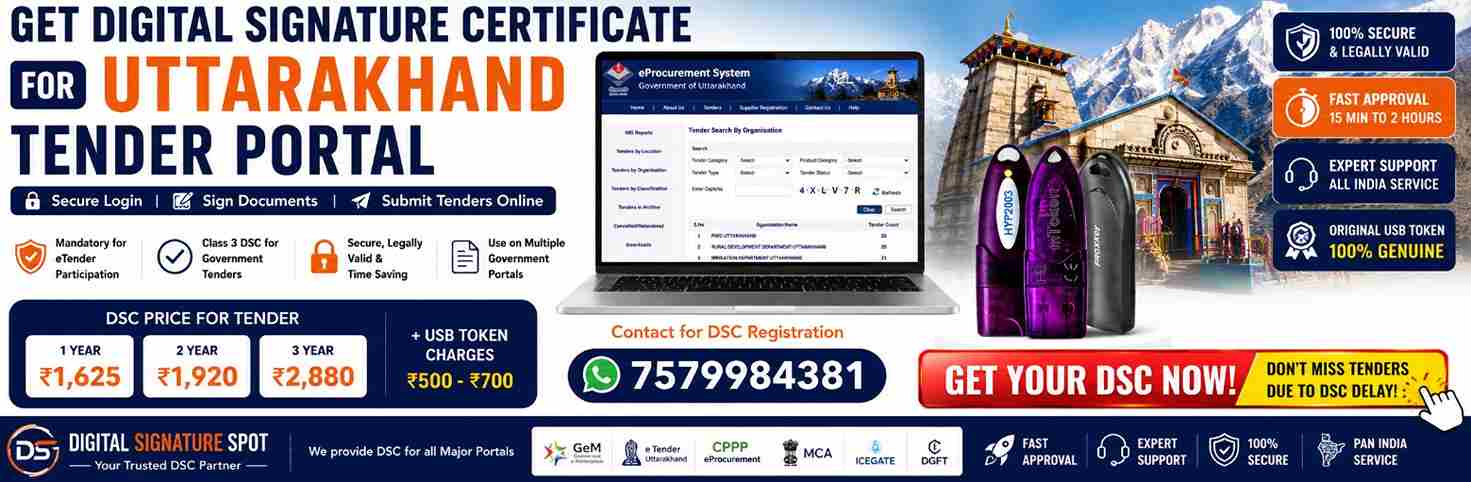
DSC Pricing and USB Token Charges
Digital Signature Spot offers verified Class 3 DSCs with fast approval and technical support.
DSC Pricing
| Validity | Price (INR) |
|---|---|
| 1 Year | ₹1,625 |
| 2 Years | ₹1,920 |
| 3 Years | ₹2,880 |
USB Token Charges
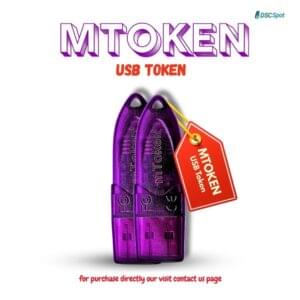
- Additional: ₹500–₹700 depending on brand and availability
- Popular tokens: ProxKey; ePass; WatchData
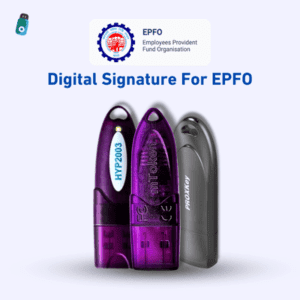
USB crypto tokens are mandatory to store the DSC securely and to perform digital signing on tender portals.
What Our DSC Service Includes
When you apply through Digital Signature Spot, you receive:
- Genuine Class 3 B DSC issued by licensed Certifying Authorities
- Fast approval and priority processing for tender DSCs
- Video KYC verification assistance and scheduling
- USB token setup and driver installation guidance
- Remote desktop support for token configuration and middleware
- Tender portal assistance for Uttarakhand eTender and GeM
- DSC renewal and troubleshooting support
We provide end‑to‑end support for DSC registration, installation, and tender filing.
Documents Required for DSC Registration
For Individuals
- PAN card
- Aadhaar card or other identity proof
- Mobile number and email ID
- Passport-size photo
For Companies / Organizations
- Organization PAN
- GST certificate (if applicable)
- Certificate of Incorporation or registration proof
- Authorization letter or board resolution for DSC signatory
- Employee ID proof for authorized signatory
Ensure documents are clear and up to date to speed up DSC approval.
Who Needs a DSC for Uttarakhand Tenders
DSC is required by a wide range of bidders including:
- Civil and infrastructure contractors
- Government vendors and suppliers
- MSMEs and small businesses bidding on state tenders
- Electrical and mechanical contractors
- Consultants, engineering firms, and transport contractors
Any entity participating in Uttarakhand eProcurement must have a valid Class 3 DSC.
USB Token: Why It’s Mandatory
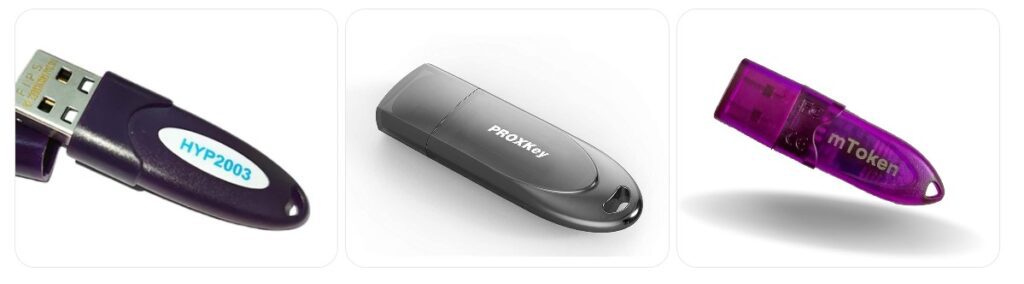
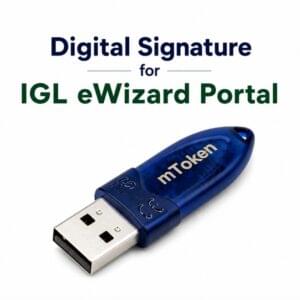
A USB crypto token stores the DSC securely and prevents unauthorized use. The token must be connected to your computer during signing and submission. Token drivers and middleware must be installed for the tender portal to detect the DSC.
How to Apply for a DSC for Uttarakhand Tender Portal
Step 1 — Submit Documents Upload PAN, Aadhaar, and company documents if applicable.
Step 2 — Video KYC Verification Complete a short video verification with the Certifying Authority.
Step 3 — DSC Issuance Once verified, the Certifying Authority issues the Class 3 DSC.
Step 4 — Install DSC on USB Token Download and install the certificate into the USB token with our remote support.
Step 5 — Start Tender Filing Use the DSC to register, sign, and submit bids on the Uttarakhand Tender Portal and other eProcurement sites.
DSC Activation Time and Renewal
Activation time: Typically 15 minutes to 2 hours after verification depending on document checks and working hours. Validity options: 1 year, 2 years, 3 years. Renewal: Renew before expiry to avoid login failures and bid submission errors.
Common DSC Errors and Troubleshooting
DSC Not Detected — Install token drivers; enable middleware; use supported browser. Signature Verification Failed — Check DSC expiry; select correct certificate; clear browser cache. Java or Signing Utility Error — Install required signer utility or enable Java/IE mode if portal requires it. Token Password Locked — Contact issuer to reset or unlock token.
Best browsers: Google Chrome and Microsoft Edge. Some legacy portals may require Internet Explorer mode.
Benefits of Using Class 3 DSC for Government Tenders
- High security and encrypted bid submission
- Legally valid electronic signature under Indian law
- Faster, paperless tender filing and document signing
- Multi-portal usage across GeM, CPPP, railway and state portals
Use of One DSC Across Multiple Portals
A single Class 3 DSC can generally be used on:
- Uttarakhand eTender Portal
- GeM Portal
- Central Public Procurement Portal (CPPP)
- Railway and PSU tender portals
- Other state eProcurement systems
Portal registration is still required for each platform.
Tips Before Tender Submission
- Verify DSC validity before starting submission
- Keep USB token password secure and accessible
- Install latest token drivers and middleware in advance
- Use updated browser versions and test signing early
- Avoid last-minute submissions to prevent technical issues
Tender Submission Checklist for Uttarakhand eTender Portal
Before You Start
- Confirm DSC validity — check expiry date on your Class 3 B DSC.
- USB token ready — token connected, drivers installed, token password available.
- Portal login — Uttarakhand eTender portal account active and credentials working.
- System requirements — latest Google Chrome or Microsoft Edge; enable IE mode only if portal requires it.
Documents to Have
- Individual: PAN; Aadhaar; passport photo; email and mobile active.
- Company: Organization PAN; Certificate of Incorporation; GST certificate; authorization letter for signatory.
- Tender-specific: Tender document; BOQ; technical documents; financial schedule; any required certificates.
DSC and Token Setup
- Install token drivers and middleware; reboot if required.
- Test token detection on the portal’s DSC test page.
- Select correct certificate when signing (Class 3 B DSC).
- Avoid multiple wrong PIN attempts to prevent token lock.
Prepare Tender Files
- File formats: PDF for documents; Excel for BOQ if required by portal.
- File names: short, descriptive, no special characters.
- Compress large files and verify upload size limits.
- Virus scan all files before upload.
During Submission
- Upload technical bid first and digitally sign with DSC.
- Upload financial bid in the required format and digitally sign.
- Check BOQ signing and ensure all mandatory fields are filled.
- Use portal’s preview or validation tool if available.
- Save transaction IDs and download acknowledgement receipts.
After Submission
- Verify submission status on the portal and confirm no errors.
- Download and store signed documents and acknowledgement.
- Renew DSC early if expiry is within 30 days of tender deadline.
Troubleshooting Quick Fixes
- DSC not detected — reinstall drivers; try another USB port; disable browser extensions.
- Signature verification failed — clear browser cache; reselect certificate; check DSC expiry.
- Java or signer utility error — install required signer utility or use recommended browser mode.
- Token locked — contact DSC issuer for reset/unlock.
Get Your DSC for Uttarakhand Tender Portal Today

Digital Signature Spot offers fast Class 3 DSC issuance, USB token support, and remote installation assistance across India. Start your eTender registration and bid submission with confidence.
WhatsApp Support: 7579984381
Frequently Asked Questions (SEO optimized)
Which DSC is required for Uttarakhand Tender Portal Class 3 B DSC is required for eTender registration and bid submission.
Is a USB token compulsory Yes, the DSC must be stored in a USB crypto token for secure signing.
How much does a DSC cost Prices start at ₹1,625 for 1 year plus USB token charges.
How long does DSC approval take Typically 15 minutes to 2 hours after verification.
Can I use the same DSC on GeM and other portals Yes, one Class 3 DSC usually works across multiple government portals.

About author














Add comment