

Buy Digital Signature for nProcurement Tender Portal – Complete Guide 2026
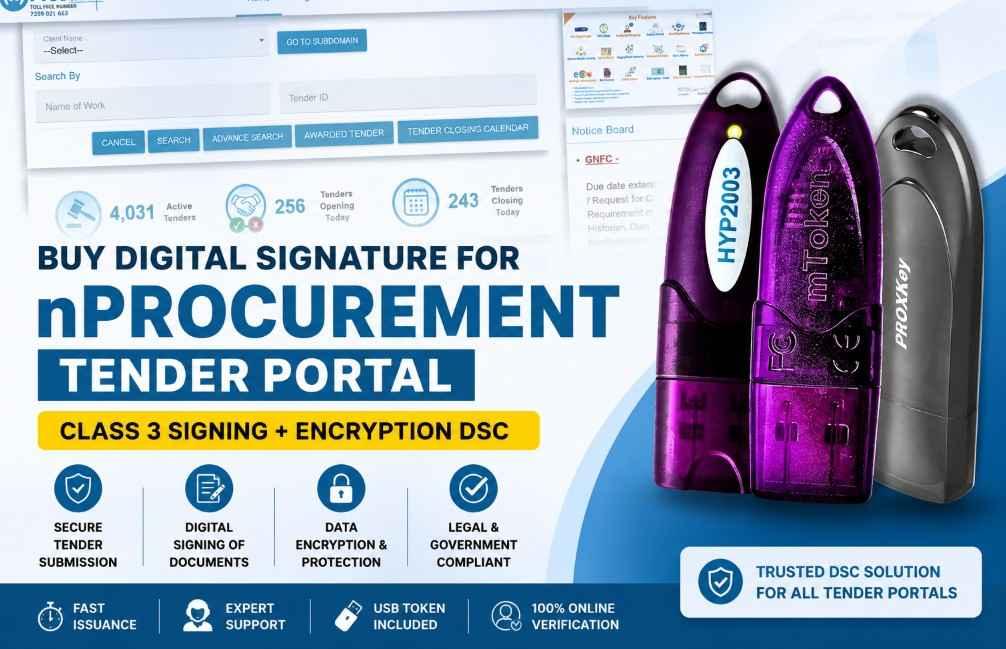
Buy Digital Signature for nProcurement Tender Portal – Complete Guide 2026: If you want to participate in government tenders through the nProcurement portal, you must have a valid Class 3 Digital Signature Certificate (DSC). Without a DSC, you cannot digitally sign tender documents, submit bids, or complete various tender-related activities on the portal.
Whether you are a contractor, supplier, consultant, MSME, startup, or company, this guide explains everything you need to know about buying a Digital Signature for nProcurement, including pricing, required documents, application process, USB Token requirements, and frequently asked questions.
What is the nProcurement Tender Portal?
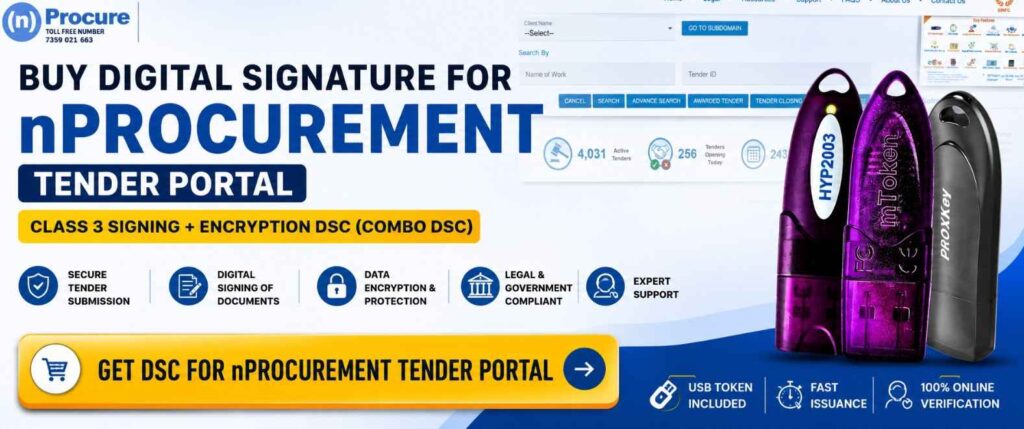
nProcurement is an electronic procurement platform used by government departments and organizations to manage tendering processes online. Vendors and bidders can view tenders, download documents, submit bids, and participate in procurement activities digitally.
To maintain security and authenticity, users must use a valid Class 3 Digital Signature Certificate while submitting tenders.
Why Do You Need a Digital Signature for nProcurement Tender Portal?
A Digital Signature Certificate acts as your electronic identity and helps verify that submitted tender documents are authentic and have not been altered.
Benefits of Using a DSC
- Secure tender submission
- Legally valid digital signatures
- Authentication of bidder identity
- Protection against document tampering
- Faster online tender participation
- Compliance with eTendering requirements
Which DSC is Required for nProcurement?
For most eTendering activities, a Class 3 Signing + Encryption DSC (Combo DSC) is recommended.
Class 3 Signing Certificate
Used for:
- Signing tender documents
- Bid submission
- Contract approvals
- Online authentication
Class 3 Encryption Certificate
Used for:
- Encrypting sensitive bid data
- Secure communication during tender submission
- Enhanced data protection
Why Choose a Combo DSC?
A Signing + Encryption DSC offers both functionalities in a single certificate and is accepted on most government eTender and eProcurement portals.
Who Can Apply for a DSC?
The following users can apply:
- Contractors
- Suppliers
- Proprietorship Firms
- Partnership Firms
- LLPs
- Private Limited Companies
- Public Limited Companies
- Government Vendors
- Consultants
- MSMEs and Startups
Documents Required for DSC Application
For Individual DSC
You generally need:
- Aadhaar Card
- PAN Card
- Mobile Number
- Email Address
- Live Video Verification
For Organization DSC
You may require:
- Organization PAN Card
- GST Certificate (if available)
- Authorization Letter
- Applicant Aadhaar Card
- Applicant PAN Card
- Mobile Number
- Email Address
- Video Verification
Document requirements may vary depending on the Certifying Authority.
Class 3 Signing + Encryption DSC Price for nProcurement Tender Portal
A Class 3 Signing + Encryption Digital Signature Certificate (Combo DSC) is widely used for government and private eTender portals.
Latest DSC Pricing
| Validity Period | Price |
|---|---|
| 1 Year | ₹1,625 |
| 2 Years | ₹1,920 |
| 3 Years | ₹2,880 |
USB Token Charges
A USB Crypto Token is mandatory for storing and using the Digital Signature Certificate securely.
USB Token Charges: Approximately ₹550 Extra
Supported USB Tokens:
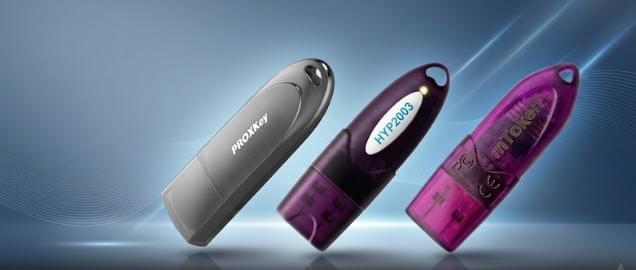
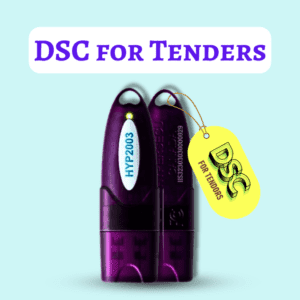
- HYP2003 USB Token
- ProxKey USB Token
- mToken USB Token
Important Pricing Note
Prices are subject to change in the future without prior notice. The final price may vary depending on the Certifying Authority, verification requirements, promotional offers, GST applicability, and USB Token availability.
How to Buy a DSC for nProcurement Online?
Getting a DSC is simple and can be completed entirely online.
Step 1: Choose the DSC Type
Select:
- Individual DSC
- Organization DSC
Step 2: Submit Documents
Upload the required KYC documents.
Step 3: Complete Video Verification
Most Certifying Authorities require video-based identity verification.
Step 4: DSC Issuance
After successful verification, the certificate is issued.
Step 5: Install in USB Token
The DSC is downloaded and securely stored in a USB Crypto Token.
Step 6: Register DSC on nProcurement
Register the certificate on the portal before participating in tenders.
How to Install DSC for nProcurement?
After receiving your DSC:
Install USB Token Drivers
Install the middleware provided with your token.
Connect the USB Token
Insert the token and verify that the certificate is visible.
Install Required Utilities
Some portals may require additional signing utilities.
Register the Certificate
Add the DSC to your nProcurement account.
Common DSC Errors and Solutions
Token Not Detected
Possible causes:
- Missing drivers
- Faulty USB port
- Outdated middleware
Solution:
- Reinstall drivers
- Change USB port
- Restart the system
Cryptographic Error While Signing
Common reasons:
- Driver conflict
- Expired certificate
- Browser compatibility issue
Solution:
- Update token drivers
- Verify DSC validity
- Reinstall signing utility
Certificate Not Visible
Solution:
- Check token middleware
- Reconnect token
- Restart browser
DSC Registration Failed
Solution:
- Select the correct certificate
- Verify organization details
- Check certificate validity
Best USB Tokens for Tender DSC
HYP2003 USB Token
Popular for:
- Fast performance
- Easy installation
- Wide portal compatibility
ProxKey USB Token
Known for:
- Reliable operation
- Strong security
- Government portal support
mToken
Suitable for:
- Tender portals
- eProcurement websites
- Secure digital signing
Why Buy Your DSC from Digital Signature Spot?
At Digital Signature Spot, we help individuals and organizations obtain Digital Signatures quickly and efficiently.
Our Services Include
- Instant DSC Assistance
- Video KYC Support
- USB Token Setup
- DSC Download Support
- Technical Installation Assistance
- Tender Portal Registration Guidance
- Renewal and Re-Download Support
Benefits
- Affordable Pricing
- Fast Processing
- Expert Technical Team
- PAN India Service
- WhatsApp Support
Need Help Buying a DSC for nProcurement?
Our experts can help you choose the right certificate and complete the issuance process quickly.
WhatsApp Support
📱 7579984381
Get your Class 3 Signing + Encryption DSC online and start participating in nProcurement tenders without delays.
Frequently Asked Questions (FAQs)
Is a DSC mandatory for nProcurement?
Yes. A valid Class 3 Digital Signature Certificate is generally required for tender participation.
Which DSC is best for nProcurement?
A Class 3 Signing + Encryption DSC (Combo DSC) is recommended for most users.
Can I use the same DSC on multiple tender portals?
Yes. A valid Class 3 DSC can usually be used across multiple government and private tender portals.
Is a USB Token compulsory?
Yes. The DSC must be securely stored in a USB Crypto Token.
How long does DSC issuance take?
In most cases, DSC issuance can be completed within a few hours after successful verification.
Can I renew my DSC after expiry?
Yes. DSC renewal is possible and should be completed before or after expiry depending on the applicable guidelines.
Conclusion
A Class 3 Signing + Encryption DSC is essential for participating in tenders on the nProcurement portal. Choosing the right certificate, completing verification, and properly configuring your USB Token ensures a smooth tender submission experience. If you need assistance with DSC issuance, installation, renewal, or technical support, Digital Signature Spot is here to help.
About author











Add comment