


Download Latest DSC Token Drivers Free – HYP2003, WatchData, ProxKey & More
1. Introduction to DSC Token Driver Download
Download Latest DSC Token Drivers Free – HYP2003, WatchData, ProxKey & More: Digital Signature Certificates (DSCs) are essential for secure online transactions across government portals like GST, MCA, DGFT, PF, and IceGate. But without the correct token driver, your DSC won’t work. That’s why users frequently search for DSC token driver download — it’s the first step to activating your digital signature.
As a DSC industry expert, I’ve helped hundreds of users fix token errors simply by guiding them through proper driver installation. This blog will walk you through everything — from downloading to troubleshooting.
2. What is DSC Token Driver Download?
- Definition: It’s the process of installing software that allows your USB token (e.g., HYP2003, WatchData) to communicate with your system.
- Technical overview: Drivers enable secure certificate access, encryption, and portal integration.
- Relation to DSC ecosystem: Without drivers, your DSC remains unusable.
3. Why Is It Required?
- Business use cases: GST filings, MCA forms, DGFT license applications, PF returns, IceGate submissions.
- Compliance needs: Ensures legal validity and secure authentication.
- Government portals: All major portals require a working DSC token.
4. Eligibility & Prerequisites
- Who can use: Anyone with a valid Class 3 DSC.
- Documents needed: None for driver download.
- Software requirements:
- Windows 7/10/11
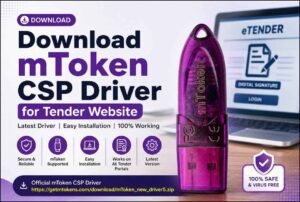
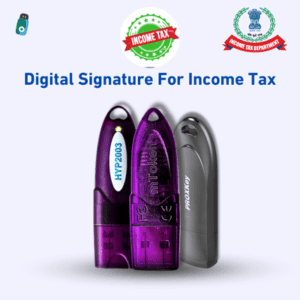
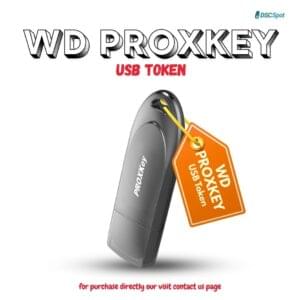
- USB token (HYP2003, WatchData, MToken, ProxKey, etc.)
- Admin access to install drivers
5. Step-by-Step Guide to Download & Install Drivers
- Visit www.digitalsignaturespot.com/downloads
- Choose your token brand (e.g., HYP2003, WatchData ProxKey, MToken,)
- Click “Download”
- Run the installer as Administrator
- Follow on-screen instructions
- Restart your system
- Insert token and verify installation
💡 Best practice: Always uninstall old drivers before installing new ones.
6. Pricing, Validity & Cost
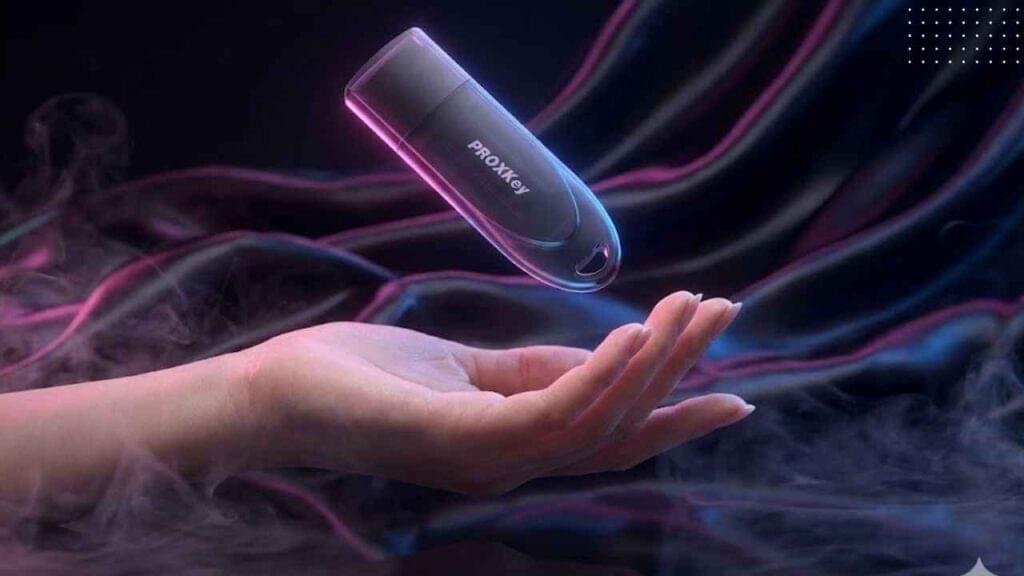
- Drivers are free from authorized sources.
- DSC validity: 1–3 years depending on your certificate.
- Renewal cost: ₹1000–₹2500 (driver remains the same).
7. Portal-Specific Integration
- GST: Register DSC under “Authorized Signatory”
- MCA: Map DSC via MCA21 portal
- DGFT: Mandatory for IEC filings
- PF & IceGate: Token validation required
8. Common Errors & Fixes
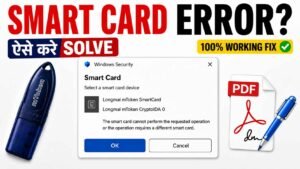
- Driver not installed: Reinstall from trusted source
- Token not detected: Try different USB port, update driver
- Certificate mismatch: Check token mapping
- Portal errors: Clear browser cache, update Java settings
9. Advanced Troubleshooting
- Update token firmware
- Reinstall certificate chain
- Sync system time
- Use recommended browsers (Chrome, Edge)
10. Comparison with Related Topics
| Feature | Class 2 DSC | Class 3 DSC |
|---|---|---|
| Usage | Limited | Mandatory for govt portals |
| Security | Moderate | High (2048-bit encryption) |
| Driver Support | Basic | Advanced token drivers |
11. Security & Compliance Guidelines
- Never share token password
- Avoid public computers
- Keep drivers updated
- Use only official download sources
12. Expert Tips
- Use HYP2003 or WatchData for best compatibility
- Always install drivers before downloading DSC
- Keep backup token for emergencies
13. FAQs
Q1. Where can I download token drivers? 👉 You can download all the latest drivers for popular tokens like HYP2003, WatchData, MToken, ProxKey, and ePass2003 directly from www.digitalsignaturespot.com/downloads. Always use official sources to avoid corrupted or outdated files.
Q2. Which tokens are supported? 👉 The most widely used tokens are HYP2003, WatchData, MToken, ProxKey, and ePass2003. These tokens are compatible with government portals like GST, MCA, DGFT, PF, and IceGate. Each token requires its own driver, so make sure you download the correct one for your device.
Q3. Can I install drivers on mobile? 👉 No. Token drivers are only supported on Windows desktops or laptops. Mobile devices and tablets do not support DSC drivers or utilities. Always use a PC with admin rights to install drivers.
Q4. What if my token is not detected? 👉 This is the most common issue. Try these steps:
- Reinstall the driver from the official source.
- Plug the token into a different USB port.
- Restart your system after installation.
- If the issue persists, update your browser or try another computer.
Q5. Do I need internet to install drivers? 👉 Internet is required only to download the driver setup file. Once downloaded, installation is offline. However, a stable internet connection is needed later when you use the DSC on government portals.
Q6. How do I check if my driver is installed correctly? 👉 After installation, insert your token and open the DSC utility. If the certificate details appear, the driver is working. You can also test it by registering your DSC on GST or MCA portal.
Q7. Can I use the same driver for renewal? 👉 Yes. Drivers remain the same even when you renew your DSC. You only need to download a new certificate into the token.
Q8. What happens if I install the wrong driver? 👉 The token will not be detected. Uninstall the incorrect driver completely, restart your system, and install the correct one from the official source.
Q9. Are token drivers free? 👉 Yes, token drivers are always free to download from authorized Certifying Authorities or trusted support sites like Digital Signature Spot.
Q10. Can I watch tutorials for installation? 👉 Absolutely. We’ve created step-by-step video tutorials on our YouTube channel to guide you through driver installation, troubleshooting, and portal integration.
📌 Support & Contact Options
📲 WhatsApp Support: 917579984381
▶️ YouTube Tutorials: Digital Signature Spot
👉 Download Latest Drivers: www.digitalsignaturespot.com/downloads
14. Conclusion
Installing the correct DSC token driver is the foundation of digital compliance. Without it, your Class 3 DSC won’t work. Whether you’re filing GST or uploading MCA forms, this step ensures smooth integration and secure authentication.
About author











Add comment