


3 Quick Ways to Check Digital Signature Validity in Any USB Token
As someone who’s spent 10 years in the Digital Signature Certificate (DSC) industry, I can tell you one thing: an expired DSC is a speed bump you don’t want on your compliance or e-filing journey. I’ve seen countless professionals scramble at the last minute because they weren’t sure if their DSC was active or how long it was valid for.
The good news? Checking the validity of your Digital Signature Certificate is straightforward once you know where to look. Think of it like checking the expiration date on your driving license—a quick verification saves a lot of trouble!
How to Check Digital Signature Validity in Any USB Token
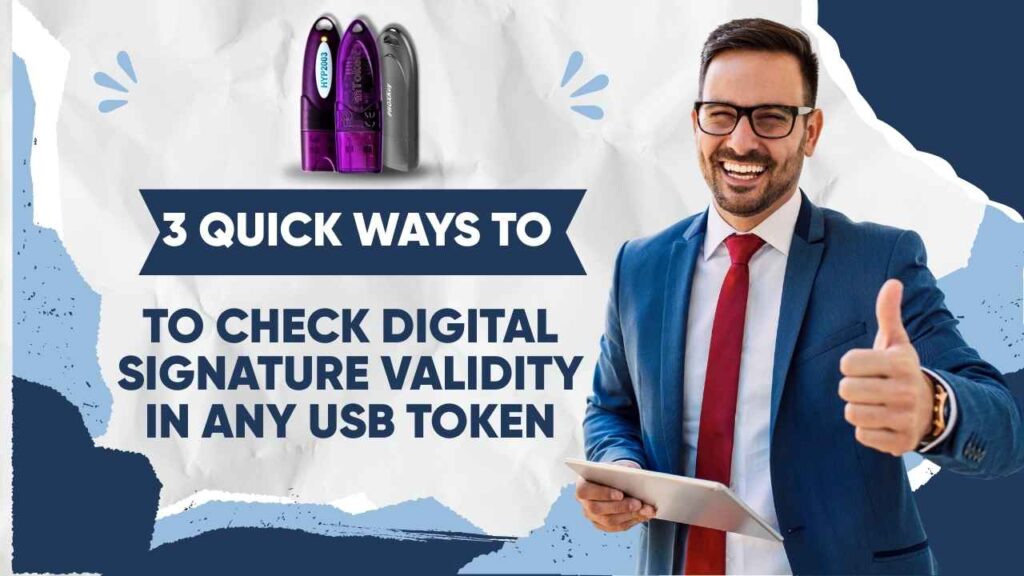
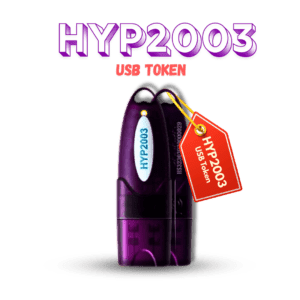
The simplest and most reliable way to check your DSC’s status and validity is directly through the USB Token’s management utility or driver software. While the exact name of the utility might change depending on the brand (e.g., ePass2003Auto, HYP2003 USB Token, Proxkey, mToken), the steps are fundamentally the same across the board.
Here is the general, tried-and-tested process that works for almost all tokens:
- Insert the USB Token: Plug your Digital Signature Certificate USB token into your computer’s USB port.
- Launch the Utility: The token’s management application (e.g., ‘Token Manager,’ ‘Cryptographic Token Utility,’ or ‘Watchdata Utility’) will usually run automatically or can be opened from your desktop/system tray.
- Log In: Click on the Login or Certificates section and enter your User PIN. (My pro-tip from years of experience: never write your PIN on the token itself! Memorize it or use a secure password manager.)
- View Certificate Details: Once logged in, you’ll see a list of certificates stored on the token. Select your name or the specific certificate and click View Certificate or double-click the entry.
- Find the Validity: A window will pop up showing all the certificate details. Navigate to the General or Details tab. Here, you will clearly see the ‘Valid from’ and ‘Valid to’ (or Expiry Date) fields.
This ‘Valid to’ date answers the core question: How to check DSC validity. If the current date is before this expiry date, your DSC is active.
✅ How to Know if DSC is Active?
Knowing if your DSC is active goes beyond just checking the expiry date. An active DSC means two things:
- It hasn’t expired: The “Valid to” date is in the future.
- It hasn’t been revoked: The Certificate Authority (CA) hasn’t cancelled it.
How to confirm active status:
- Token Status: If your token management utility allows you to successfully log in and view the certificate without any errors, it’s generally a good sign.
- During Signing/E-filing: The ultimate test! If you can successfully use the DSC to digitally sign a document (like a PDF or an MCA/IT return form) without an error message regarding its status, it is active. The system is designed to perform a real-time check.
My Insight: Many users panic if the utility shows an expiry warning starting 30-60 days before the date. This is normal! It’s just a reminder to renew, and your DSC remains fully active until the expiry minute.
📅 How Long is a DSC Valid For?
In India, a Digital Signature Certificate is typically issued with a validity of 1, 2, or 3 years.
- 1-Year Validity: Less common, but sometimes an option.
- 2-Year Validity: The most popular choice for general use (e-filing, document signing).
- 3-Year Validity: Often preferred for long-term users, as it maximizes time before the next renewal.
The specific validity period is chosen by the user at the time of purchase and is clearly mentioned on the certificate itself (which you can check using the steps above).
Important Note on Renewal: You must renew your DSC before it expires. Once the “Valid to” date passes, your certificate is invalid, and you will have to apply for a new DSC, not a renewal, which involves the entire initial application and verification process again. Set a reminder for at least a month before the expiry date!


About author















Add comment