


Get Digital Signature for Director eKYC – A Complete Guide
Get Digital Signature for Director eKYC: In today’s digital era, compliance for company directors has become much easier, thanks to Digital Signatures (DSC). Whether you are filing your company’s annual returns, submitting forms with the Ministry of Corporate Affairs (MCA), or completing the mandatory Director eKYC process, a valid Digital Signature is now a must-have.
But for many directors, the process of getting a DSC feels confusing. Questions like “Which type of DSC do I need?”, “How do I apply for one?”, “What documents are required?” often come up.

Don’t worry – in this blog, I’ll walk you through everything step by step, in simple words, so you can understand how to get a digital signature for Director eKYC smoothly and without stress.
What is Director eKYC?
Director eKYC (KYC = Know Your Customer) is a compliance process introduced by the Ministry of Corporate Affairs (MCA). Every director in India who has a Director Identification Number (DIN) must file an annual eKYC form (DIR-3 KYC or DIR-3 KYC WEB).
This ensures that the government has the latest contact details of the director – such as phone number and email ID – and also verifies their identity.
👉 If the eKYC is not filed, the director’s DIN gets deactivated and penalties may apply.
Why Do You Need a Get Digital Signature for Director eKYC?
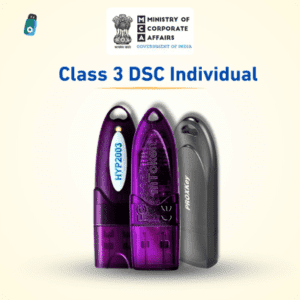
While filing eKYC online, the system requires secure authentication to ensure the form is being submitted by the actual director and not someone else. That’s where a Class 3 Digital Signature Certificate (DSC) comes in.
- It works like your digital identity proof.
- It ensures your eKYC filing is valid and legally accepted by the MCA portal.
- Without it, you cannot complete the process online.
So, if you are a company director, having a DSC is not optional – it’s mandatory.
Types of Digital Signatures for Directors
There are different types of DSCs issued in India. For Director eKYC, you will need:
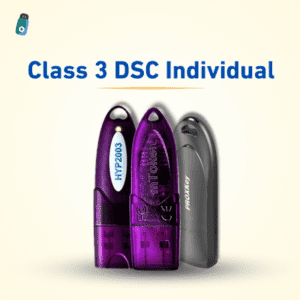
- Class 3 DSC (as per the latest CCA guidelines)
- With Signing Certificate (encryption is not required for eKYC filing)
This DSC is issued by a CCA-approved Certifying Authority such as:
- eMudhra
- Vsign
- Pantasign
- Capricorn CA
- Sify
- NSDL
- (and others listed on the CCA website)
Step-by-Step Process to Get a Digital Signature for Director eKYC
Here’s a simple roadmap you can follow:
1. Choose a Certifying Authority or DSC Provider
Pick an authorized DSC provider (many also have online portals). Ensure they are CCA-approved, otherwise your DSC won’t be valid.
2. Select the Type of DSC
For director eKYC:
- Class 3
- Signing only
- Validity: 1, 2, or 3 years (as per your preference)
3. Keep Your Documents Ready
You will need:
- PAN Card (mandatory for Indian citizens)
- Aadhaar Card (for Aadhaar-based eKYC) or other valid ID proofs
- Passport-size photo
- Email ID and mobile number (linked with Aadhaar, if OTP-based verification is done)
4. Complete the eKYC Process
There are usually 2 ways to verify your identity:
- Aadhaar OTP based – Quick and simple. You receive OTP on your Aadhaar-linked mobile and email.
- Video KYC – In some cases, you will be asked to record a live video, show your original ID proof, and confirm your details.
5. Download and Install the DSC
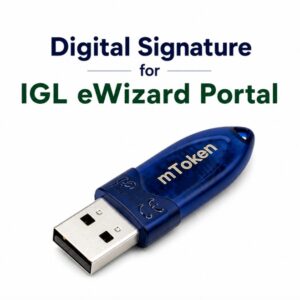
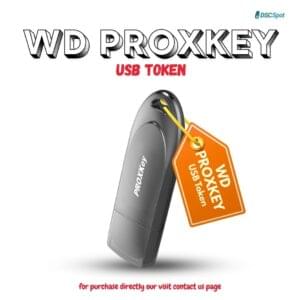
Once approved, you can download your DSC into a secure token/USB (called a DSC token). This will later be used on the MCA portal for your eKYC filing.
Filing Director eKYC with DSC
Once you have your DSC ready:
- Log in to the MCA portal (www.mca.gov.in).
- Navigate to MCA Services > DIN Services > DIR-3 KYC.
- Select the applicable form (DIR-3 KYC for first-time filing, or DIR-3 KYC WEB for subsequent years).
- Enter your PAN, DIN, and personal details.
- Validate your email and mobile number with OTP.
- Attach your DSC to sign the form.
- Submit and download the acknowledgement.
👉 That’s it! Your Director eKYC is now completed.
Benefits of Having a DSC as a Director
- Mandatory compliance for eKYC and MCA forms
- Secure identity in digital transactions
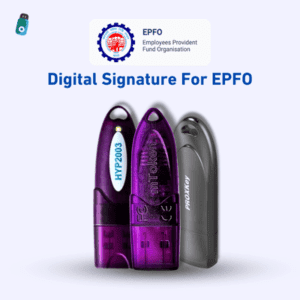
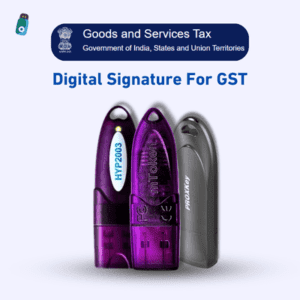
- Can be used for Income Tax, GST, EPFO, and other portals
- Avoids penalty and DIN deactivation
Common Issues Directors Face
While applying for or using a DSC, some common issues are:
- Browser settings not compatible with MCA portal
- Emsigner utility not installed
- Token driver not installed properly
- Aadhaar OTP not received
💡 Tip: If you face technical issues, check the DSC utility installation or contact your DSC provider for troubleshooting.
Final Thoughts
Getting a Digital Signature for Director eKYC may sound technical, but once you know the steps, it becomes a smooth process. Think of it as your digital passport – once you have it, you can use it not only for eKYC but also for various other government portals.
If you are a director and haven’t completed your eKYC filing, make it a priority. With a valid Class 3 DSC, you can finish the process quickly and stay compliant with MCA regulations.
✅ Pro Tip: Always apply for your DSC well before the due date of filing Director eKYC, to avoid last-minute stress and penalties.


About author













Add comment