

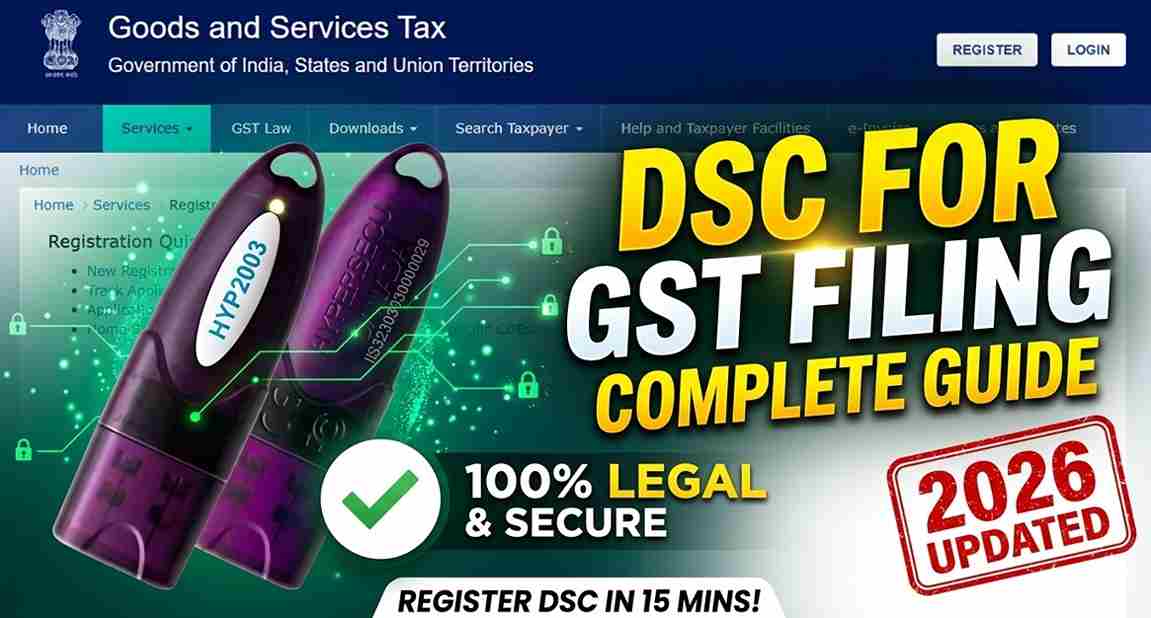
Digital Signature Certificate for GST Filing: The Ultimate 2026 Setup Guide
Introduction
Digital Signature Certificate for GST Filing: In the digital-first ecosystem of Indian taxation, the Digital Signature Certificate (DSC) acts as your digital identity. For businesses and professionals, using a DSC on the GST portal is not just about security—it’s about ensuring the legal validity of every return filed.
Whether you are a newly incorporated company or a tax professional, understanding the “how-to” of DSC for GST filing is essential to avoid last-minute filing delays. In this guide, we simplify the registration process and troubleshoot the most common errors.
Is DSC Mandatory for GST Filing?
The requirement for a DSC depends on the type of taxpayer entity:
- Mandatory Requirements: All Public & Private Limited Companies, Limited Liability Partnerships (LLPs), and Foreign Companies must use a DSC to sign GST returns.
- Optional/Recommended: For Individual Proprietors and Partnership Firms, using a DSC is optional (they can use EVC/OTP), but a DSC is highly recommended for higher security and professional compliance.
Which Type of DSC is Required for GST?
To perform any action on the GST portal (Registration, Returns, or Refunds), you need:
✅ Class 3 Digital Signature Certificate
Class 2 has been discontinued, making Class 3 the only valid standard in India for 2026.
The Right Category:
- Individual DSC: Used by Proprietors or individual authorized signatories.
- Organization DSC: Used when the GST registration is in the name of a Company or LLP. The DSC must contain the PAN of the Authorized Signatory linked to the GST profile.
Step-by-Step: How to Register DSC on the GST Portal
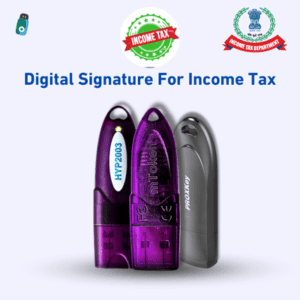
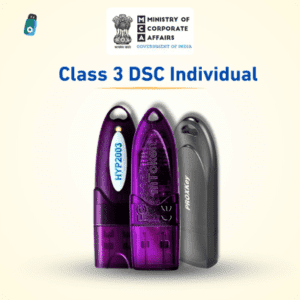
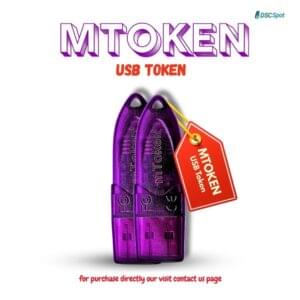
Before you begin, ensure your USB Token (like HYP2003 or ProxKey) is plugged into your computer.
Step 1: Install the emSigner Utility
The GST portal cannot communicate with your USB token directly. You must download and install the GST emSigner utility from the portal’s “Help” or “System Requirements” section.
- Pro Tip: Always “Run as Administrator” for a smooth connection.
Step 2: Login to the GST Dashboard
Go to www.gst.gov.in, enter your Username and Password, and solve the Captcha to log in.
Step 3: Navigate to DSC Registration
Click on your Username (top right) > Dashboard > View Profile. Under the “Quick Links” section, select “Register/Update DSC”.
Step 4: Select the Authorized Signatory
Choose the name of the Authorized Signatory from the drop-down menu. This name must match the name on the Digital Signature Certificate.
Step 5: Sign & Complete
Click on ‘Register’. The emSigner window will pop up. Select your certificate, enter your USB Token PIN, and click ‘Sign’. You will receive a success message: “DSC has been successfully registered.”
Troubleshooting: Common GST DSC Errors
| Error Message | Likely Cause | Solution |
| “Failed to establish connection” | emSigner is not running. | Open emSigner utility and ensure the status shows “Service Started”. |
| “PAN Mismatch” | DSC PAN doesn’t match GST Profile. | Ensure the DSC is issued in the name of the Authorized Signatory listed in the GST portal. |
| “Certificate Not Found” | Missing Token Drivers. | Re-install the drivers from the USB token’s built-in storage. |
| “Plug-in Error” | Browser/Java conflict. | Use the latest version of Google Chrome and update your Java settings. |
Expert Tips for Hassle-Free GST Filing
- Check Expiry: Always check your DSC validity 15 days before the return filing deadline.
- Clean Installation: If emSigner fails, uninstall all old versions and perform a fresh “Restart” before re-installing.
- One Token, Multiple Roles: The same Class 3 DSC used for GST can also be used for Income Tax (ITR) and MCA (ROC) filings.
Need Quick DSC Issuance or Support?
At Digital Signature Spot, we specialize in fast-tracking your GST compliance. Whether you need a new Class 3 DSC or help fixing emSigner issues, we’ve got you covered.
Why Choose Us?
- ✅ Fast Approval: Get your DSC ready for filing instantly.
- ✅ Zero Hidden Costs: Transparent pricing for 1, 2, or 3-year validity.
- ✅ Remote Support: We help you set up emSigner and drivers via AnyDesk/TeamViewer.
🔗 Apply/Renew Now: Digital Signature Spot – GST Services
📞 Call / WhatsApp: +91-7579984381
Frequently Asked Questions (FAQ)
Q1. Can I file GST without a DSC?
If you are an individual or proprietor, you can use EVC (Aadhaar OTP). However, Companies and LLPs must use a DSC.
Q2. Does the GST portal support all USB tokens?
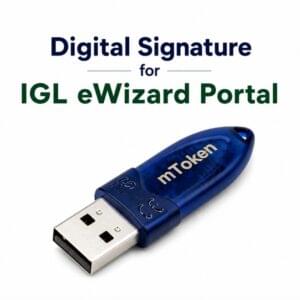
Yes, as long as the token is FIPS-certified (like HYP2003, ProxKey, or mToken) and the correct drivers are installed.
Q3. How do I update my DSC if it has expired?
You must buy a new certificate (Renewal), then go to the GST portal and follow the “Update DSC” process using the same steps mentioned above.
About the Author:
Samarth is a Digital Signature expert and founder of Digital Signature Spot. He has over a decade of experience helping businesses solve technical bottlenecks in GST, Income Tax, and MCA portals.


About author













Add comment