

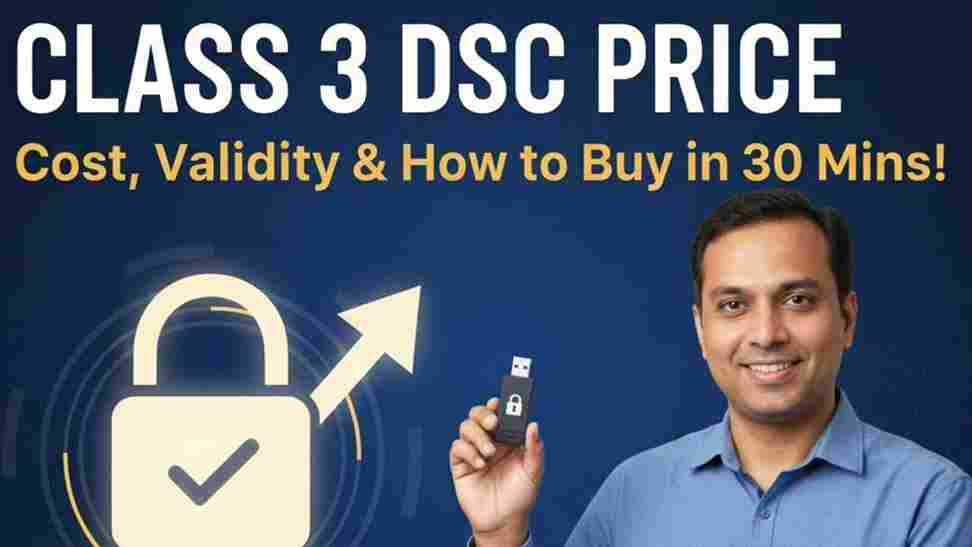
Class 3 DSC Price: The Complete 2026 Guide (Cost, Validity & How to Buy)
1. What is Class 3 DSC Price? (A Quick Overview)
The Class 3 DSC price refers to the cost of obtaining the highest level of Digital Signature Certificate available in India. Since the government discontinued Class 2 DSCs in 2019, Class 3 is now the standard for all secure online transactions.
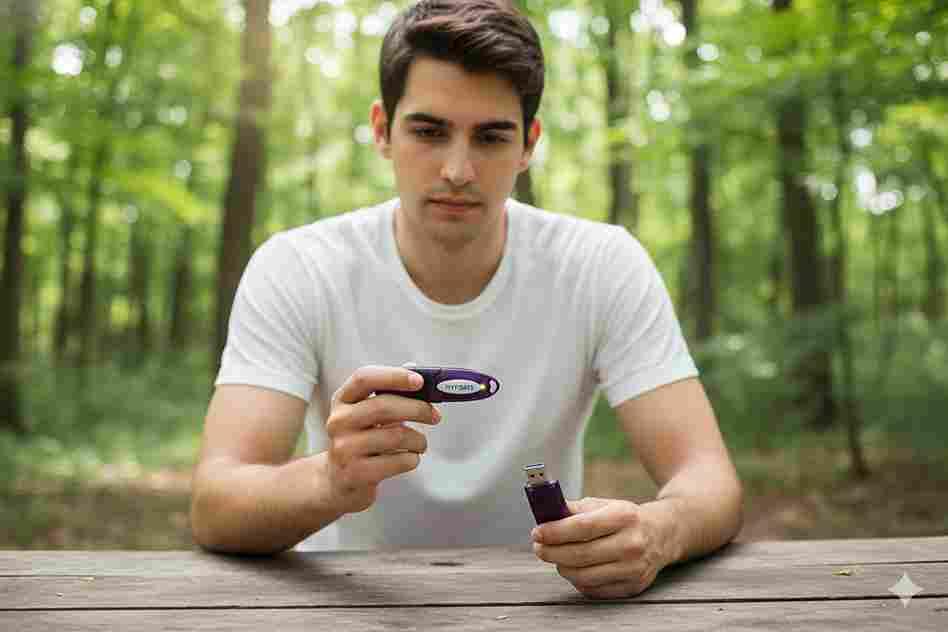
Prices in India are not fixed by the government; they are determined by Certifying Authorities (CAs) like eMudhra, Capricorn, and their authorized resellers.
Current Market Price Range (2024-2025)
- 1 Year Validity: ₹800 – ₹1500
- 2 Year Validity: ₹1,500 – ₹2,500 (Most Popular)
- 3 Year Validity: ₹2,300 – ₹3,500 (Best Value)
Note: The price usually includes the Digital Signature Certificate itself and the USB Crypto Token (Dongle), but always check if the “Token” is charged separately.
2. Detailed Pricing Breakdown
To make an informed decision, you need to understand the difference between Signing Only and Combo (Signing + Encryption) certificates.
Class 3 DSC Price List (Estimated Market Average)
| Validity Period | Signing Only (GST, MCA, IT) | Combo (Tenders, IceGate) | Average Token Cost |
| 1 Year | ₹1,200 – ₹1,500 | ₹1,800 – ₹2,200 | ₹400 – ₹600 |
| 2 Years | ₹1,800 – ₹2,200 | ₹2,500 – ₹3,000 | Included (Usually) |
| 3 Years | ₹2,500 – ₹3,200 | ₹3,500 – ₹4,500 | Included (Usually) |
- Signing Only: Used for Income Tax, GST, MCA (Company Registration), and PF.
- Combo (Sign + Encrypt): Mandatory for e-Tendering, IceGate (Import/Export), and certain high-security patent filings.
3. Why is Class 3 DSC Required?
A Class 3 DSC is the digital equivalent of your physical signature, but more secure. It guarantees your identity to government portals.
Top Business Use Cases
- GST Filings: Monthly return filing (GSTR-1, GSTR-3B).
- MCA Portal: Director eKYC, Company Incorporation, Annual Returns.
- Income Tax: Verifying ITR returns without sending physical acknowledgement.
- e-Tendering: Bidding on platforms like CPPP (Central Public Procurement Portal).
- IceGate: Essential for importers and exporters (AD Code registration).
4. Eligibility & Pre-Requisites
Who can buy a Class 3 DSC? Almost anyone with valid identity proof.
Required Documents (Paperless Mode)
- For Individuals:
- Aadhaar Card (Soft copy or Offline XML).
- PAN Card (Original scan).
- Passport size photo (Soft copy).
- Mobile number linked to Aadhaar (for OTP).
- For Organizations (Partnership/Proprietorship/Company):
- All individual documents of the authorized signatory.
- GST Certificate or Business Registration proof.
- Bank Statement (Organization).
- Authorization Letter on company letterhead.
5. Step-by-Step Guide to Buy Class 3 DSC
Buying a DSC is no longer a physical process. It is 100% online and paperless.
The Workflow
- Select a Vendor: Choose a Certifying Authority (e.g., eMudhra, Capricorn, Pantasign) or a trusted reseller.
- Choose Plan: Select Class 3, Validity (2 or 3 years recommended), and Type (Signing or Combo).
- Fill Application: Enter basic details (Name, Email, PAN).
- Upload Documents: Upload clear scans of PAN and Aadhaar.
- Video Verification (Crucial Step): You will receive a link on your mobile. Record a 20-second video stating your name and showing your original PAN card and Aadhaar.
- Approval: The CA approves the DSC (usually within 1-2 hours).
- Download: The vendor downloads the certificate into a USB Token (like HYP2003 or ProxKey) and ships it to you, or helps you download it if you already have a blank token.
6. Portal-Specific Integration
Once you have paid the Class 3 DSC price and received the token, the real work begins—registering it on portals.
DGFT & IceGate (Import/Export)
- Requirement: Class 3 Combo DSC.
- Process: Login to IceGate -> My Profile -> Register DSC. You must install the specific IceGate Common Signer utility.
MCA (Ministry of Corporate Affairs)
- Requirement: Class 3 Signing.
- Process: Login to MCA V3 portal -> Associates DSC service -> Associate Director/Secretary.
- Tip: Ensure the “Director Identification Number” (DIN) is approved before associating.
GST Portal
- Requirement: Class 3 Signing.
- Process: Login -> Dashboard -> Register/Update DSC. Requires emSigner running in the background.
7. Common Errors & Fixes
Even after paying the full Class 3 DSC price, users often face technical glitches.
| Error Message | Likely Cause | Quick Fix |
| “Token not detected” | Driver not installed | Install the driver for your specific token (ProxKey/WatchData) from the token content. |
| “Certificate Mismatch” | PAN mismatch | Ensure the PAN in the DSC matches the PAN on the portal login exactly. |
| “emSigner not running” | Service stopped | Right-click the emSigner icon in the taskbar and click “Run as Administrator”. |
| “DSC Expired” | Validity over | You cannot renew an expired certificate; you must buy a new one (Renewal price is usually same as fresh). |
8. Comparison: Class 2 vs. Class 3
Many users still search for Class 2 prices. Here is the clarity you need:
- Class 2: Discontinued by CCA (Controller of Certifying Authorities) since Jan 1, 2021. You cannot buy or renew this.
- Class 3: The only active class now. It covers everything Class 2 did, plus high-security e-tendering.
Verdict: Do not look for Class 2. If a vendor sells it, it is a scam. Buy Class 3.
9. Security & Compliance Guidelines
- Password Protection: Your USB Token comes with a default password (usually 12345678). Change this immediately. If you lose the token and the password is known, your digital identity is compromised.
- Physical Safety: Do not leave the token plugged into your laptop when not in use.
- Pin Caching: Disable PIN caching in token settings if you share your computer.
10. Expert Tips for Faster Approval
- Aadhaar Mobile Link: Ensure your mobile number is linked to Aadhaar. This allows “eKYC” mode, which gets approved in 15 minutes. Non-Aadhaar modes take days.
- Video Clarity: When recording the verification video, hold your PAN card steady and ensure the text is readable. Blurry PAN cards are the #1 reason for rejection.
- Buy 3 Years: The price difference between 2 years and 3 years is often just ₹500-₹700. Buying 3 years saves you the hassle of re-verification and token shipping costs next year.
11. FAQs about Class 3 DSC Price
Q: Can I use the same DSC for GST and Income Tax?
A: Yes! One single Class 3 DSC (Signing) works for GST, IT, MCA, and PF portals.
Q: Is the USB Token mandatory?
A: Yes. Per government security rules (FIPS Level 2), Class 3 keys must be generated and stored on a hardware crypto token. You cannot save it as a file on your PC.
Q: Can I use my old token for a new DSC?
A: Yes. If you have a working token (ProxKey/TrustKey), you can buy a “Paperless / Download only” plan which is cheaper (saves ₹500 token cost) and download the new certificate into your existing token.
Q: How long does it take to get the DSC?
A: The digital approval takes ~30 mins. Physical delivery of the token takes 2-4 days depending on your location.
Conclusion
The Class 3 DSC price is a small investment for the massive convenience and compliance it offers. While prices range from ₹1,500 to ₹4,500, the real value lies in choosing a vendor who offers good support—because installing drivers and registering on portals can be tricky.
Recommendation:
- For GST/IT/MCA: Buy Class 3 Signing (2 Years).
- For Tenders/Import-Export: Buy Class 3 Combo (2 or 3 Years).
Ready to get your Digital Signature?
Don’t let compliance delays stop your business.
[Click Here to Compare Class 3 DSC Prices & Buy Now]
Need help installing?
WhatsApp Us: +91-98765-43210 (Support available 10 AM – 6 PM)

About author













Add comment