

How To Class 3 DSC Download: The Complete Step-by-Step Guide (2026)
1. Introduction
Class 3 DSC Download: Digital Signature Certificates (DSCs) are the backbone of India’s digital compliance ecosystem. Whether you’re filing GST returns, submitting MCA forms, applying for DGFT licenses, or uploading PF returns, a Class 3 DSC is mandatory.
Users often search for “Class 3 DSC Download” because after applying and approval, the next crucial step is downloading the certificate into a secure USB token. Without this step, your DSC remains inactive.
💡 From my years of experience in the DSC industry: I’ve seen countless professionals panic at deadlines because they applied for DSC but forgot to download and install it properly. This blog ensures you never face that stress.
2. What is Class 3 DSC Download?
- Definition: Class 3 DSC download is the process of retrieving your approved certificate from the Certifying Authority (CA) portal and installing it into your USB token.
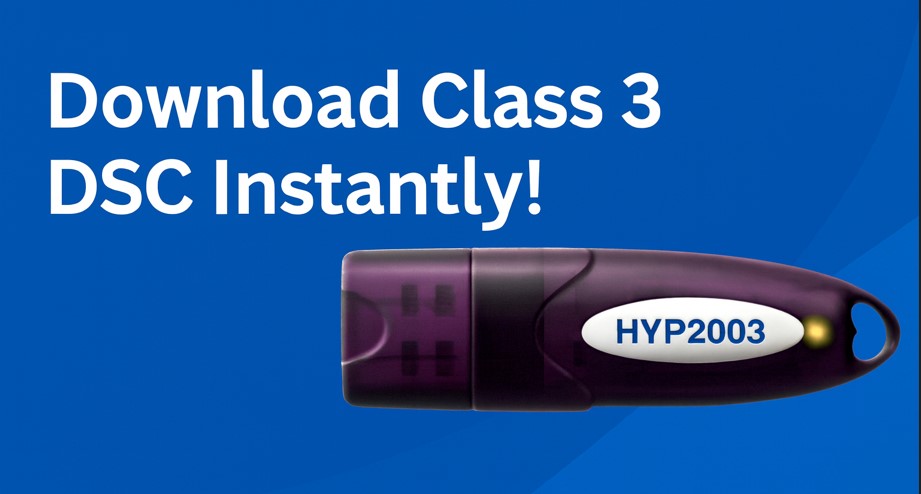
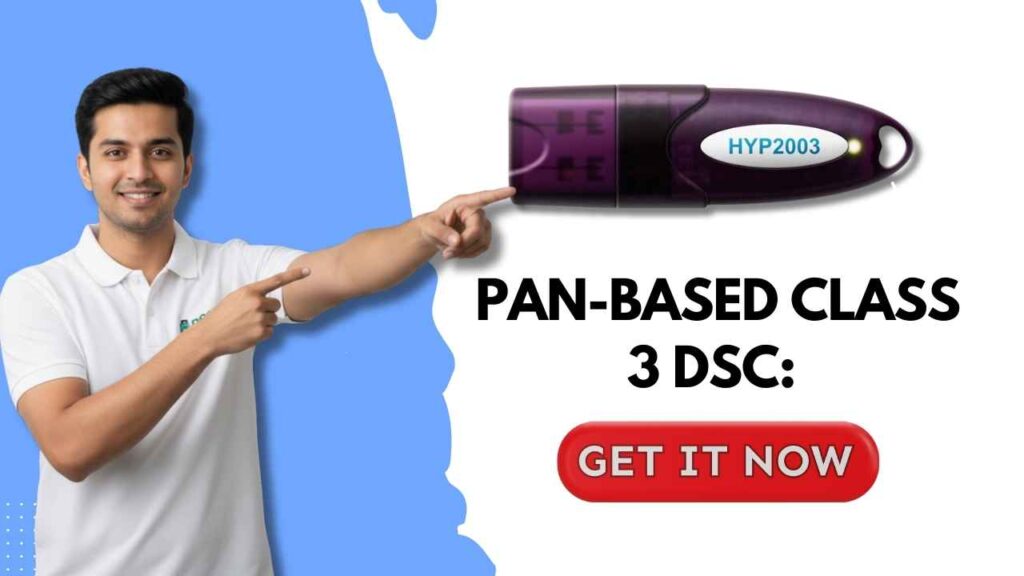
- Technical overview: The certificate is issued in PKI format, stored securely in tokens like HYP2003 or WatchData, and uses 2048-bit encryption.
- Relation with DSC ecosystem: Downloading is the final step that makes your DSC usable across government portals.
3. Why is Class 3 DSC Download Required?
- Business use cases: GST filings, MCA submissions, DGFT license applications, PF returns, IceGate transactions.
- Compliance needs: Ensures legal validity of filings and prevents fraud.
- Government portals: Class 3 DSC is the only accepted standard for secure e‑filing.
👉 Personal insight: I’ve seen companies lose tender opportunities simply because they didn’t complete the download step. Treat it as equally important as the application.
4. Eligibility & Pre‑Requisites
Before downloading, ensure you have:
- Application ID / Product ID (provided during DSC application).
- Challenge Code / Download Key (sent by the CA).
- New Series USB Token (HYP2003 recommended).
- DSC Download Utility (available from digitalsignaturespot.com/Downloads).
- Fast Internet Connection.
- Laptop/Desktop (DSC download does not work on mobile devices).
💡 Pro tip: Always use the same system/browser for download that you used during application to avoid certificate mismatch.
5. Step-by-Step Guide for Class 3 DSC Download
- Install & Open the DSC Download Utility
- Download the utility from your CA or trusted source.
- Enter Application ID & Challenge Code
- Input the credentials provided during application.
- Click “Proceed Next”
- The utility will verify your details.
- Insert Your USB Token
- Connect your HYP2003/WatchData token.
- Enter Token Password
- Type the password you set for your token.
- Download & Install Certificate
- Within seconds, your DSC will be installed successfully.
📌 Best practice: Take screenshots during each step for compliance records.
6. Pricing, Validity & Cost
- Government norms: Validity ranges from 1–3 years.
- Market prices: ₹1000–₹2500 depending on class and validity.
- Renewal cost: Slightly lower than fresh issuance.
💡 From my desk: Most clients prefer 2–3 year validity to avoid frequent renewals.
7. Portal-Specific Integration
- GST: Register DSC under “Authorized Signatory.”
- MCA: Map DSC via MCA21 portal.
- DGFT: Mandatory for IEC filings.
- PF & IceGate: Token validation required.
8. Common Errors in Class 3 DSC Download and Fixes
- Driver issues: Reinstall token drivers.
- Token not detected: Update browser or USB drivers.
- Certificate mismatch: Ensure correct application ID and token.
- Portal errors: Clear cache, update Java settings.
⚡ Personal insight: “Token not detected” is the most common error I’ve solved — usually fixed by reinstalling drivers.
9. Advanced Troubleshooting
- Update token firmware.
- Reinstall certificate chain.
- Configure system time and browser security settings.
10. Comparison with Related Topics
| Feature | Class 2 DSC | Class 3 DSC |
|---|---|---|
| Usage | Limited | Mandatory for govt portals |
| Security | Moderate | High (2048-bit encryption) |
| Cost | Lower | Higher |
| Validity | 1–2 years | 1–3 years |
👉 Note: Class 2 DSC is now discontinued; Class 3 DSC is the standard.
11. Security & Compliance Guidelines
- Keep token password confidential.
- Avoid public computers.
- Update drivers regularly.
12. Expert Tips for Faster Approval/Use
- Use trusted tokens like HYP2003.
- Register early to avoid deadline stress.
- Test DSC before portal use.
💡 Insider tip: Always keep a backup token for large organizations. It saves time when one token fails.
FAQs About Class 3 DSC Download
1. How long does Class 3 DSC download take? 👉 Usually 2-3 minutes if you have all details ready (Application ID, Challenge Code, USB token, and DSC utility). The actual download is quick, but delays happen if drivers are missing or internet speed is slow.
2. Can DSC be renewed online? 👉 Yes. Renewal is done through the same Certifying Authority (like eMudhra, Sify). but You need fresh documents if your KYC . Just log in, pay renewal fees, and download the new certificate into your existing token.
3. Is PAN mandatory for DSC? 👉 For PAN-based DSC, yes — PAN card details are compulsory. But if you apply via Aadhaar-based DSC, PAN upload is not required. but recommended, please enter the pannumber must in your DSC; otherwise dsc not working on some important places.
4. Can foreigners apply for Class 3 DSC? 👉 Yes, foreign nationals can apply, but they must provide valid identity proof (passport, residence permit, etc.). The process may take longer since Aadhaar-based instant verification is not available for them.
5. What if my USB token is not detected? 👉 This is the most common error. Reinstall token drivers, check USB ports, and restart your system. If still not detected, update the DSC utility or try another computer.
6. Which USB tokens are supported? 👉 Popular tokens include HYP2003 and WatchData. These are widely accepted across GST, MCA, DGFT, PF, and IceGate portals. Always buy from authorized vendors to avoid compatibility issues.
7. Can I download DSC on mobile? 👉 No. DSC download requires a desktop or laptop because the utility and drivers are not supported on mobile devices.
8. What happens if I enter the wrong Challenge Code? 👉 The utility will reject the download attempt. You must re‑enter the correct code. If you’ve lost it, contact your Certifying Authority to regenerate.
9. Do I need internet for DSC download? 👉 Yes, a stable and fast internet connection is mandatory. The utility connects to the CA server to fetch your certificate.
10. How do I check if my DSC is installed correctly? 👉 After download, open the DSC utility or CA verification tool. Insert your token and check certificate details. You can also test it by registering on GST or MCA portal.
👉 Download Class 3 DSC Online 📲 WhatsApp Support: 7579984381 📧 Email: Digitalsignaturespot@gmail.com ▶️ YouTube: Digital Signature Spot
Author Bio
About the Author: With years of hands-on experience in the Digital Signature Certificate industry, I’ve helped hundreds of clients register, download, and troubleshoot DSCs across GST, MCA, DGFT, PF, and IceGate portals. My mission is to simplify DSC adoption by sharing practical insights, proven tips, and compliance-friendly strategies that save time and reduce stress.

About author











Add comment